
Capture the label and check the characters
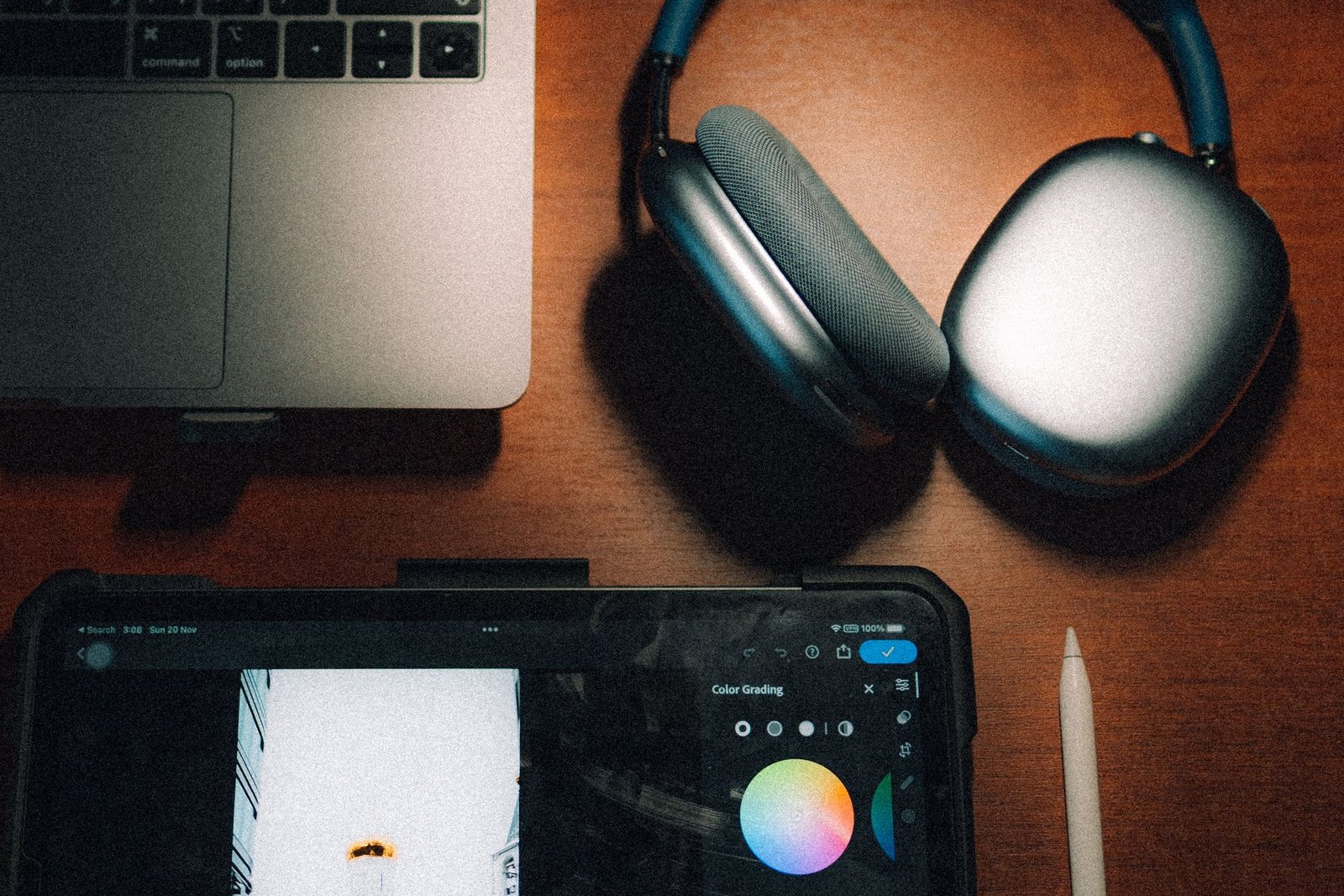
Start with a device you use every day. Photograph the whole thing, then its model and serial label. Some devices show the serial number in Settings; the original box may also have a label.
Copy the number into the record and compare it carefully with the device. Small print makes zeros and letters easy to confuse. If you use the box, check that it belongs to this particular device.
Keep the paperwork with the object
Add a receipt photo, the purchase date and where you bought it. Keep the original receipt or order confirmation somewhere accessible too. A photograph of a device and proof of purchase answer different questions.
- List the accessories you would expect to find with it, such as a charger, case or dock.
- Note repairs and upgrades, with dates when you know them.
- Describe its current condition.
- Record where it lives, or who uses it if devices look alike.
This also helps when you are working out which laptop went in for repair or which headphones belong to whom.
Make a copy you can use elsewhere
On Pro and Ultra, you can filter Browse to the relevant items and export a PDF with photos or a CSV for a spreadsheet. Open the file to check which details it contains, then include any separate receipts or documents the recipient needs.
If you are preparing an insurance inventory, ask your insurer what evidence they require. Keep a dated copy somewhere you can access from another device.
FAQ
Does every cable need a record?
A note with the device is often enough for its charger and cables. Give an accessory its own entry when you need to identify, find or track it separately.
When should I update the details?
When you replace a device, add a repair or pass something on. Record departures so the active inventory reflects what you still own.
Save the label you have just photographed. The next support form should be a little less work.