

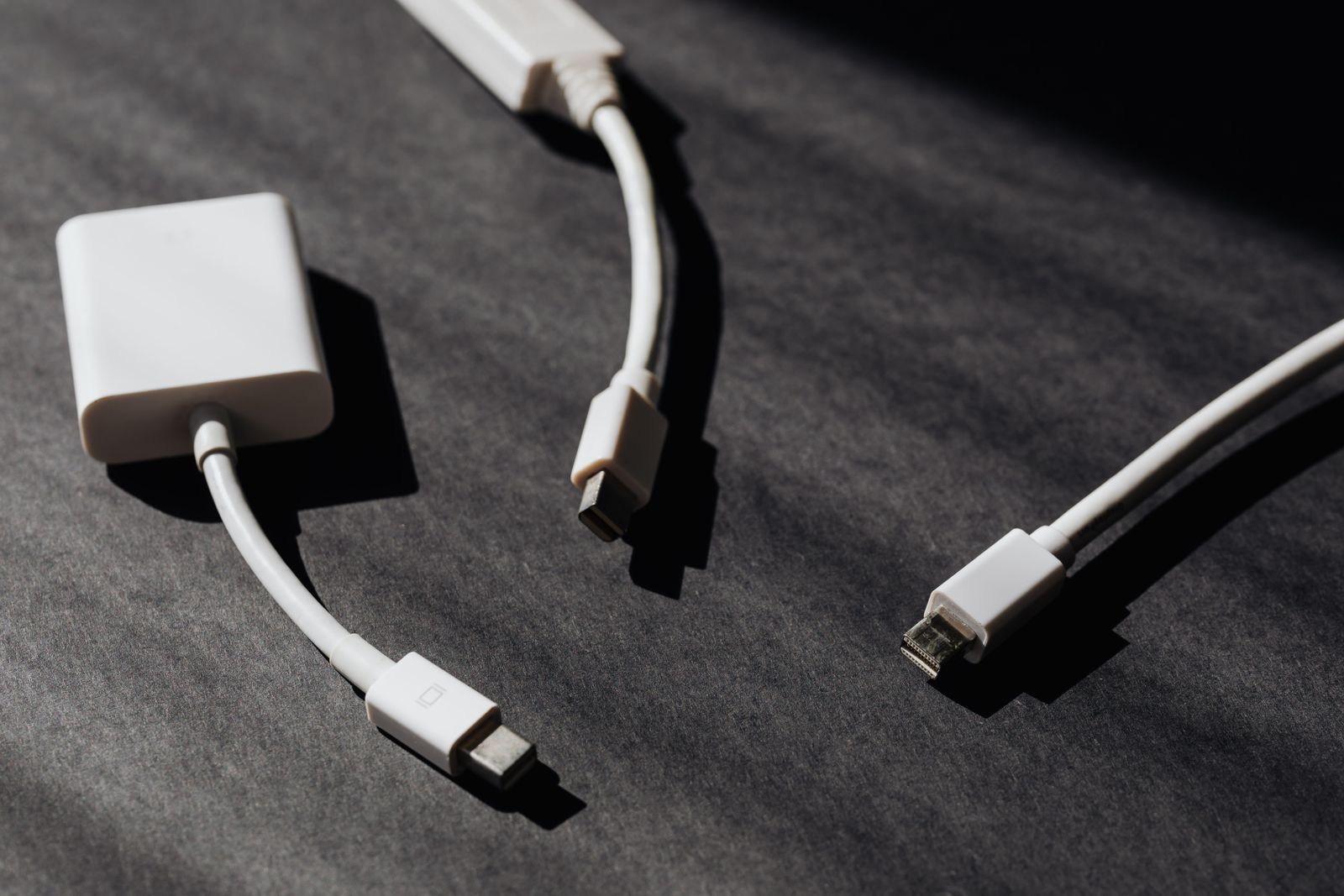
How do you catalog a cable drawer without testing every lead tonight?
Empty the drawer onto the desk in good light. Create a place like Office / Cable drawer, photograph each brick and both ends of each cable, and note which device it last served. Mystery leads get a short "unknown" note until you match or discard them.
What deserves its own item versus a group?
Laptop power supplies, docking station cables, and anything with a brand you still own get clear entries. Ordinary USB-A to USB-C leads can share a group item with a count. Orphan proprietary chargers should stand alone long enough for one match attempt, then leave.
- Name the place: Office / Cable drawer, Desk / Power shelf.
- Photograph connector ends and voltage labels on bricks.
- Pair chargers with the laptop or phone they still fit.
- When a cable is discarded or sold on eBay, mark it departed the same day.
Cable drawers grow because keeping feels safer than deciding. A short catalog turns "do we have a USB-C laptop brick?" into a search - and makes donation of orphan leads easier to justify.
FAQ
Do identical USB leads need their own entries?
No. Group them with a count. Give branded or high-wattage leads clearer lines if you might keep or sell them.
What about extension cords and power strips?
Same catalog with a short type note. Separate places help if strips live behind the desk.
Can this help before a move?
Yes. A cable list shows what still has a device attached versus what is pure drawer filler.
Should headphones mix in?
Keep them nearby with their own place so audio kit and power cables stay distinct.