
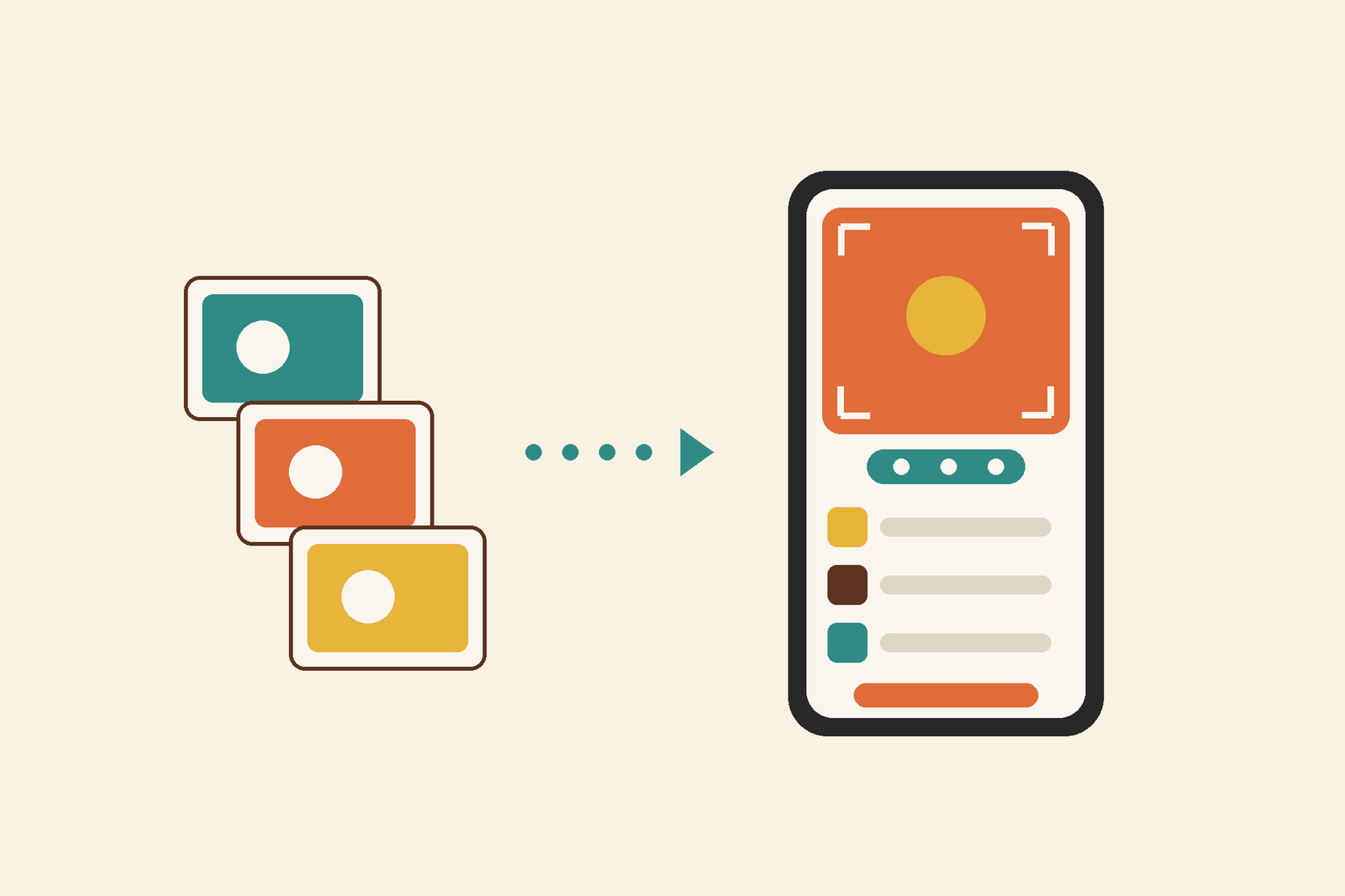
- Add items in one go: snap your photos first, crop and rotate them right there, add more if you like, then set the place, quantity and notes on the same screen and you're done.
- Look up now takes a note, before or after the photo, so whatever you already know about the thing goes into the identification.
- Collections got a new look, with tall artwork for each category sitting behind the room title and tabs.
- Honours are now called Highlights. Same good stuff, friendlier name.
- Search inside a collection now hides behind the magnifier, so your items get more room on screen.
- On an item page, tap its category to jump straight to the collection it belongs to, or to Browse for that category.
- Plus a bunch of bug fixes and performance enhancements.