

Why an app with cloud sync needs an export button
Because the people who need to read your inventory are not going to install your app. An insurance adjuster wants a document. A solicitor handling an estate wants a document. An accountant wants rows. A catalog nobody else can read is a catalog that proves nothing at the moment you need it to prove something.
There is a second reason, and it is about trust rather than features. Your collection is your data. Being able to take it out in an ordinary format, whenever you like, is what makes putting it in reasonable in the first place.
How to export
1. Filter to what you actually want
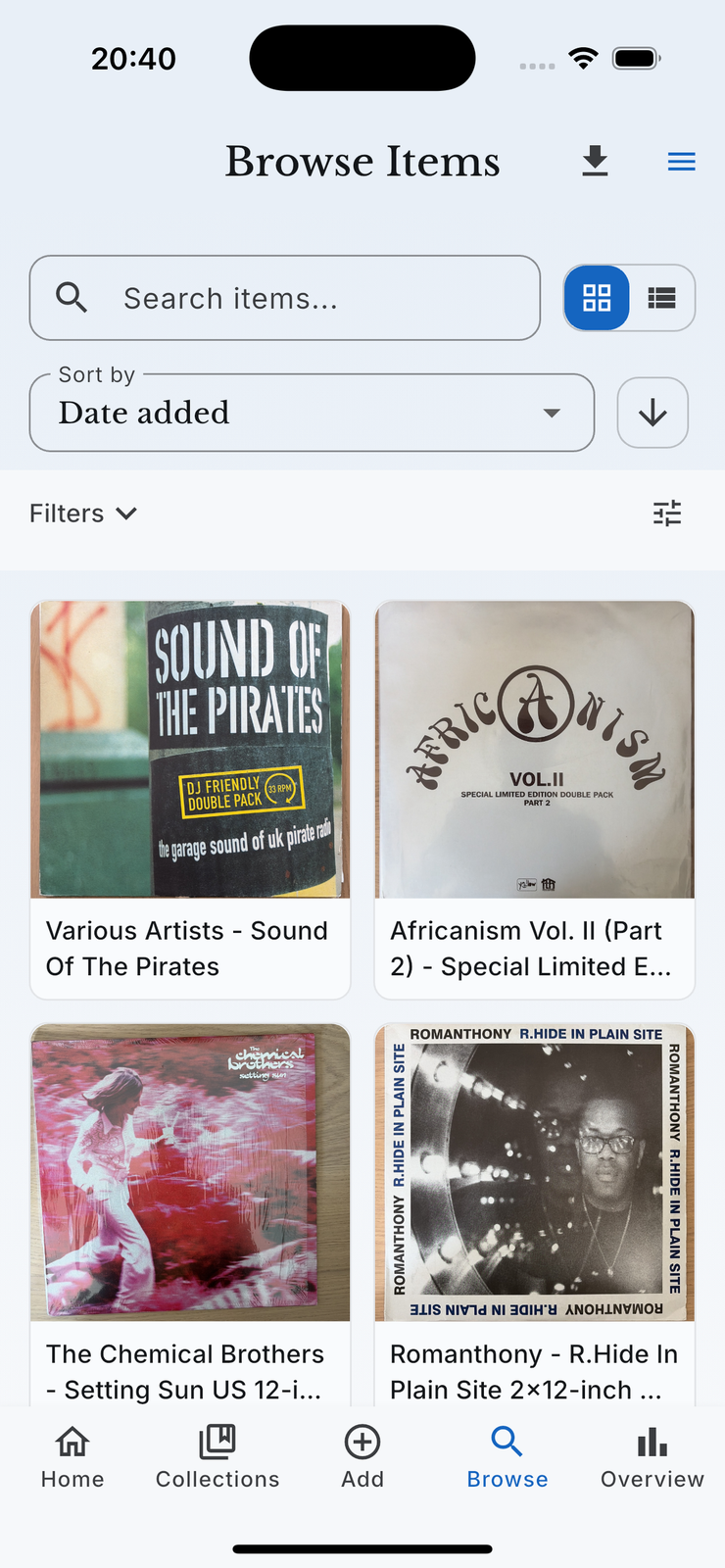
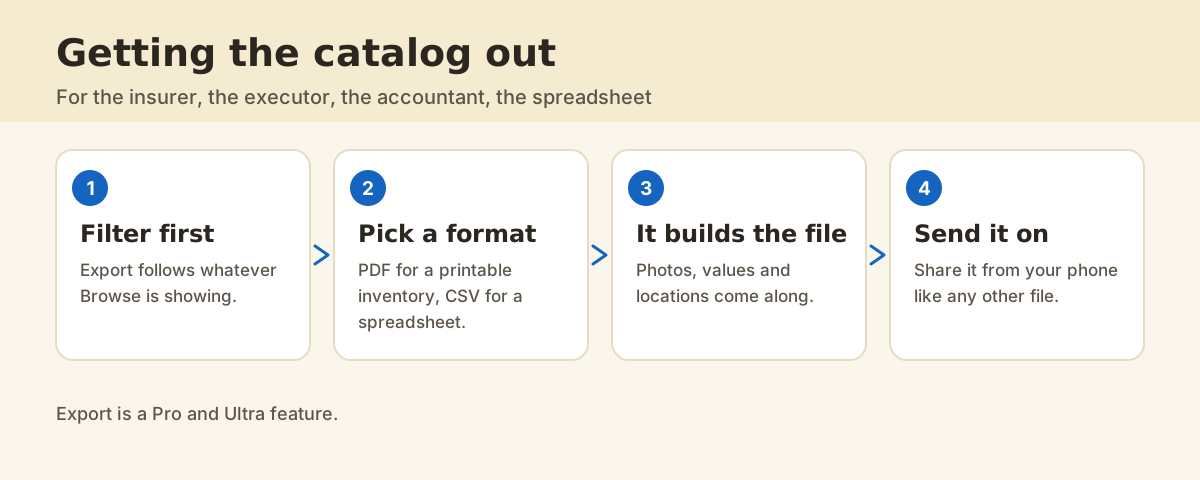
This is the step people skip and then regret. Export takes what Browse is currently showing, so filter first: one category, one location, everything above a value, whatever the document is for. An insurance schedule for the cellar is a much better document than a dump of everything you own.
2. Choose Export as PDF or Export as CSV
The export control is in the Browse app bar. Pick the format that suits the reader on the other end.
| Format | What you get | Good for |
|---|---|---|
| A paginated Collection Inventory with photos, values and locations | Insurers, estates, anything a person reads | |
| CSV | One row per item, the same fields as columns | Spreadsheets, accountants, your own analysis |
3. Let it build, then send it on
The file is generated and named with the date, and you send it through the ordinary share sheet: mail it, save it to files, put it in a cloud drive. It is a normal file from that point on.
What the numbers in the export mean
Values in an export are samla.ai's estimates, which are estimates for informational purposes and never professional appraisals. That distinction matters most in exactly the situation an export is for, so say it plainly to whoever receives the file: this is a documented inventory with indicative values, and a formal valuation is a separate job for a qualified appraiser.
What does it cost?
Export is a Pro and Ultra feature, alongside market value estimates, collectible detail fields, publishing listings and classified ad generation. Cataloging, rooms, Look up mode and the review queue stay on the free plan.
FAQ
Does the PDF include photos?
Yes, which is most of the point for an insurance document. Items with no photo are listed with a placeholder rather than dropped.
Can I export just one collection?
Yes. Filter Browse to that category or location first, and the export follows the filter.
Is this the same as exporting my account data?
No, and both exist. Export as PDF or CSV is your collection in a readable format. Export My Data in account settings is the privacy request for everything the account holds.
What happens to items I have sold?
Departed items live in the Archive rather than in your active collection, so they are not in a normal export. That is usually what you want for an insurance schedule.