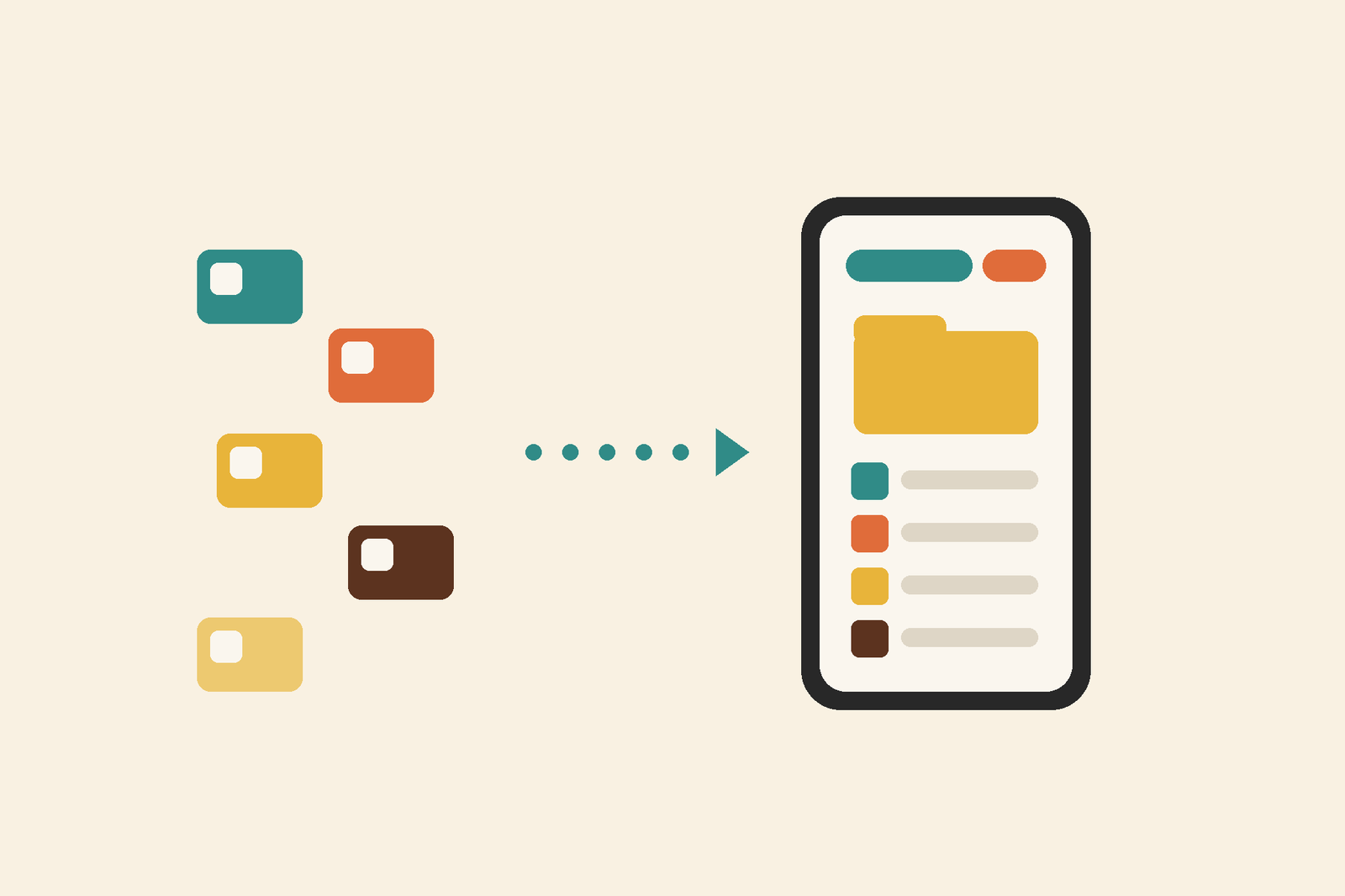


Where do you start?
Open a saved item and its Value tracker to see the available checks. Choose an available schedule to follow it over time. The overview on Analytics brings your tracked items together, giving you one place to return to.
Start with something you enjoy knowing about: a favourite record, an old camera or the watch you sometimes consider selling before putting it straight back on. One item is a good place to begin.
Where does an estimate come from?
Each check searches for comparable listings and sales. It works out the median of the usable sold prices and the median of the usable asking prices, then uses whichever is higher. If they are equal, the sold prices win. A single usable comparable can be enough on its own.
The median is the middle price when the prices are arranged in order. With an even number of prices, it is the average of the two in the middle.
You can open the comparisons to see what the check found. Edition, condition, accessories and location help explain why items that look similar can have quite different prices.
| Value in the record | What it represents |
|---|---|
| Initial estimate | The estimate suggested when the item was identified. |
| Manual value | A value you have entered yourself. |
| Market check | An estimate based on the usable comparisons found by that check. |
What does the history show?
Previous checks stay available in the history, so you can compare them over time. If a check finds nothing usable, the previous estimate stays. The dates and comparisons give context to the numbers: an asking price shows what a seller hopes to receive, while a completed sale shows what an item sold for.
Return when you’re thinking about selling, or simply when that familiar “I wonder…” comes around again.