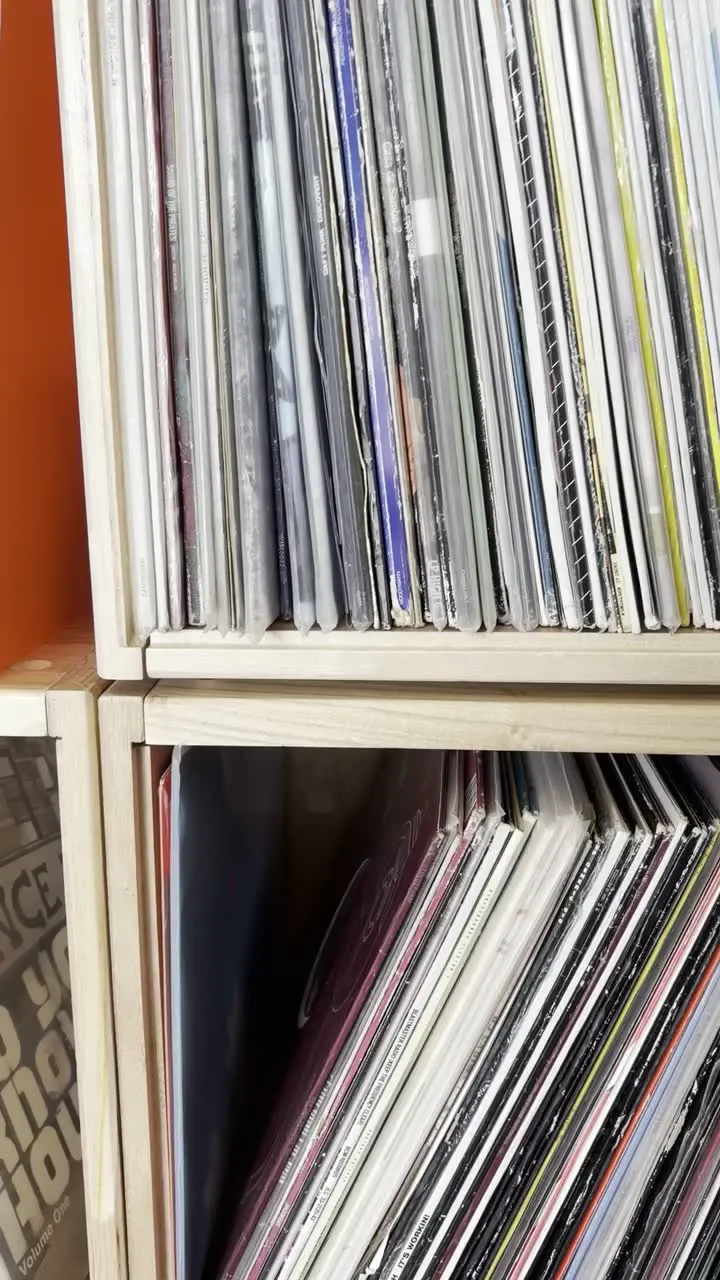
Details to record
- Artist
- title
- label
- catalog number
- pressing and condition
Example record
The jazz LP from the Sunday market
12-inch vinyl · stereo · light wear at one sleeve corner
Your notes
Living room, shelf 2. Original inner sleeve tucked inside.
Value tracker follows estimated values over time on a paid plan.
Tips for a useful record
Give each copy its own record
Two copies of an album can have different pressings, sleeves and wear. Record them separately when those details differ.
Label the crates
Give a crate a name you can read on the box and in your catalog. Update the location when a record moves.
Highlights
Look beyond the front cover
Photograph the sleeve, labels and runout markings. Check the suggested artist, catalog number and pressing against your copy, then record the vinyl and sleeve condition separately. Similar sleeves can hide different releases.
Save the notes only you can add
A scuffed corner, a signed insert, the shop where you found it: add your own notes and give the record a shelf location. Your future self can skip the rummaging.
Questions, answered
What details should I record for a record?
Artist, title, label, catalog number, pressing and condition. Photograph labels and markings, then check the suggested catalog number and pressing against your copy.
How do I check what a vinyl record is worth?
Match the pressing, describe the condition of the record and sleeve, and compare similar completed sales. Age alone does not establish a price.
Who can see my catalog?
Your catalog starts private. You choose whether to invite people, share a read-only collection link or publish an item as a public page. Check the photos and notes before sharing.
Guides and reading
What is my vinyl record worth?
Explore the value of a vinyl record by matching its pressing, checking condition and comparing completed sales.
Read guideHow to catalog a vinyl collection
Build a useful collection catalog with clear photos, identifying details, condition notes and locations. Start with one shelf and keep it up to date.
Read guideHow to grade a vinyl record
A practical guide to Goldmine record grades, from Mint to Poor, with separate checks for the vinyl, sleeve and inserts.
Read guide
More to explore
How to document a typewriter at home
Make a record of the typewriter on the study shelf with samla.ai. Save the maker, model, serial number and the story of who used it.
- Collecting
- Product
The samla.ai marketing team1 min read
How to catalog a postcard collection
Catalog the postcards in the shoebox with samla.ai. Record the place, the date, the sender and the stamp, and find a particular card without emptying the box.
- Collecting
- Product
The samla.ai marketing team1 min read
How to keep track of the rugs in storage
Record the rugs rolled up in your storage room with samla.ai. Save size, origin, condition and history, and know which rug is which before you unroll them all.
- Collecting
- Product
The samla.ai marketing team1 min read
Start a collection
Add a few items and build from there.