
Why a collection app cares about rooms
Collections are physical. They sit in a house, on shelves, in crates, in the one cupboard nobody opens. Search is wonderful until it answers a question you were not asking: knowing you own the record does not help when you are standing in front of four shelves and it is not on any of them.
So samla.ai stores the answer to "where is it, exactly" next to everything else it knows about the thing. That turns your catalog into something you can use while standing up.
How does a location work?
It is a path with seven possible levels, and nothing forces you to use more than the first one.
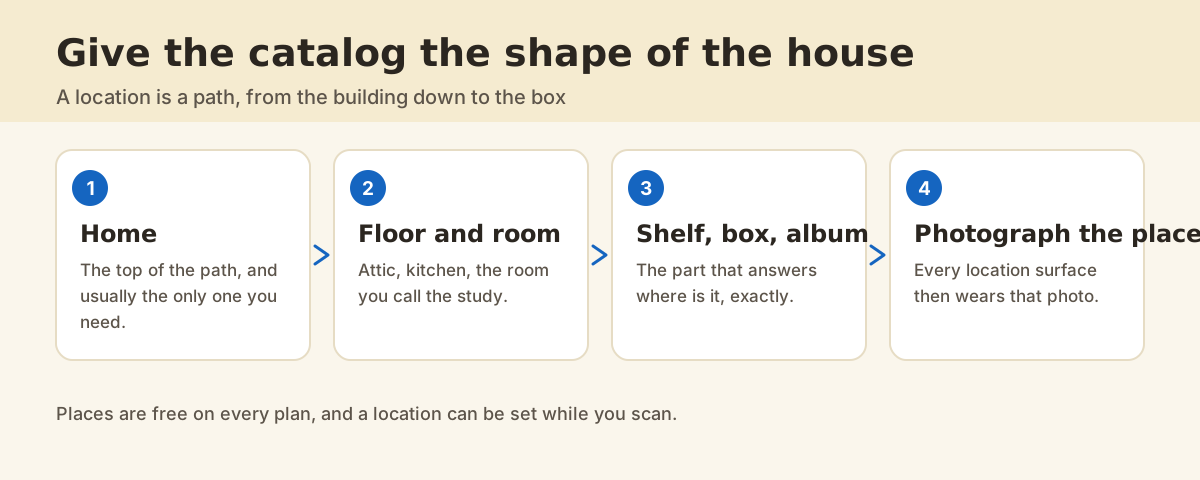
| Level | Example | When you would bother |
|---|---|---|
| Home | Home, Summer house, Storage unit | Always. Most people stop here at first |
| Building and floor | Garage, Attic, 1 | When more than one building or floor holds things |
| Room | Living room, Cellar, Study | The level that does most of the work |
| Shelf, box, album | Top shelf, Crate 3, Blue album | When the room has more than one place to look |
How to set a location
1. While you are scanning
The location editor is on the camera screen, so a whole shelf can be scanned and filed in one pass. It offers what you used last and what you have used before as chips, so the second and third item are one tap each.
2. Afterwards, on the item
Open an item and set or change the location from there. The editor is a focus panel: the row you are editing gets the screen, the chips do not jump around under your finger, and the suggestions are deduplicated so "Kitchen" and "kitchen" are one chip rather than two.
3. For a lot of items at once
The Workbench has a bulk placement tool: select many items, pick a location, and move them all. That is the one to use after a move, or after an evening of scanning where you skipped the location every time and now regret it.
Why photograph a place?
Because the icon was doing nothing. A location list where every row wears the same house glyph is a list you read word by word. Take one photo of the shelf and that shelf now looks like itself everywhere it appears.
Where there is no photo, the app picks a glyph from the deepest part of the path rather than the shallowest, so a box looks like a box and an attic looks like an attic. It also falls back to a mosaic of the item photos stored at that path, which costs you nothing and is often enough.
What does it cost?
Places, place photos and the bulk placement tool are free on every plan.
FAQ
Do I have to fill in every level?
No, and most people should not. Home on its own is a valid location. Add a room when a room starts holding enough to be worth naming, and a shelf when the room does.
What happens if I rename a place?
The items keep their own location text, and a place photo attached to the old name detaches rather than following the rename. That matches what already happens to filters and Overview buckets, so nothing surprising happens elsewhere.
Can I search by location?
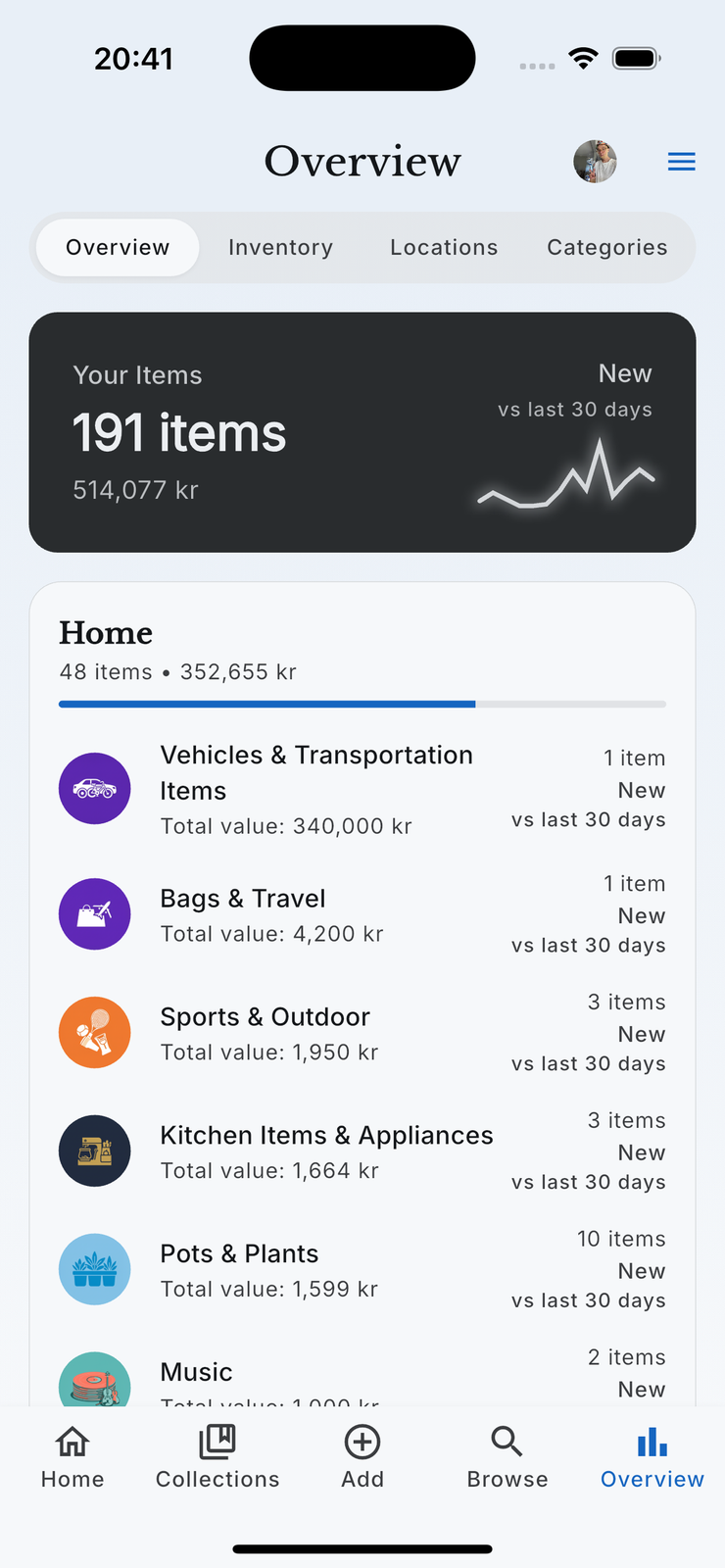
Yes. Browse filters by location, and Overview has a Locations tab that breaks your collection down the way the house is laid out.
Is a place the same thing as a collection room?
No, and they are worth keeping separate in your head. A collection room is a category, like Vinyl Records or Wines. A place is a physical spot, like the cellar rack. One record is in the Vinyl Records room and on the second shelf.