A catalog for everyday questions
What is it, where is it, and what should happen to it next?
See it in use
Short walkthroughs of the app.
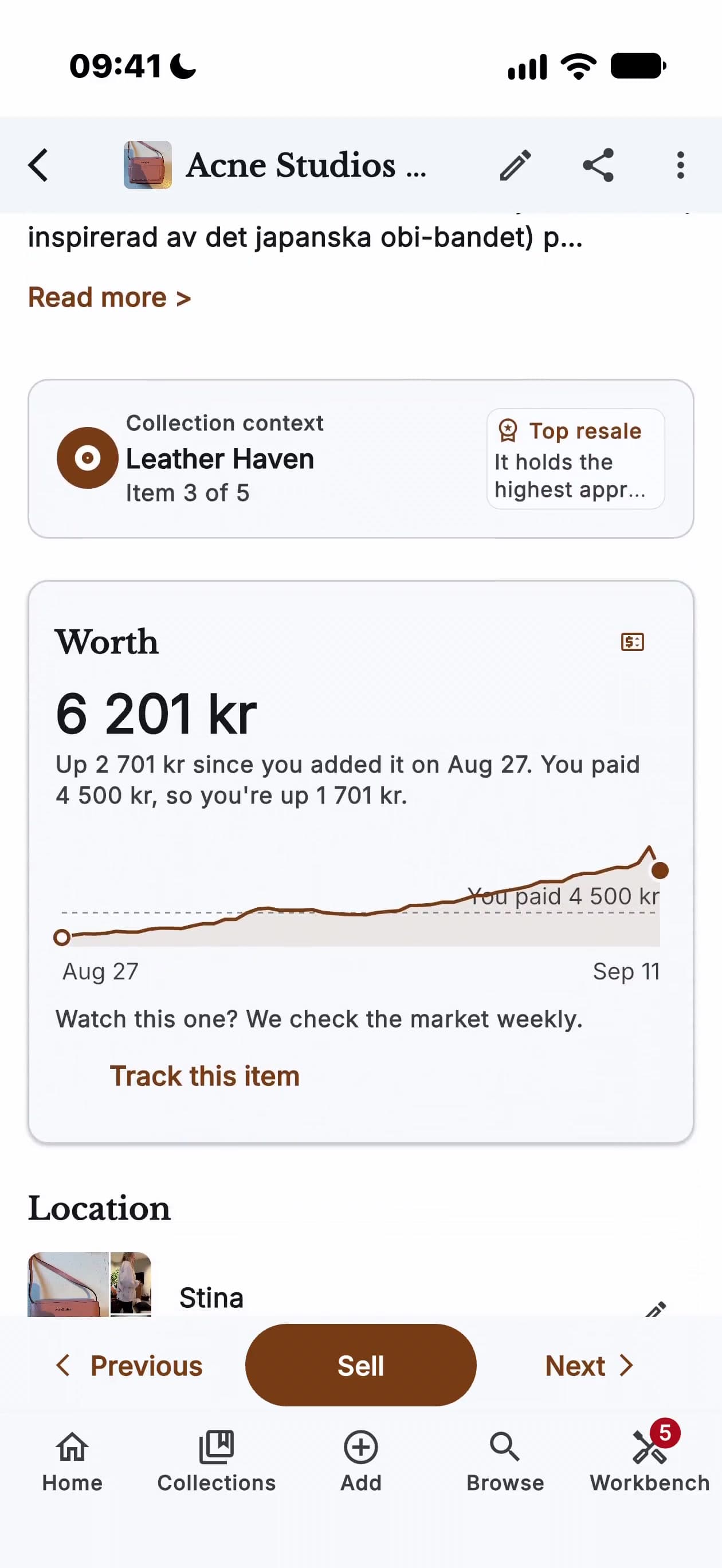
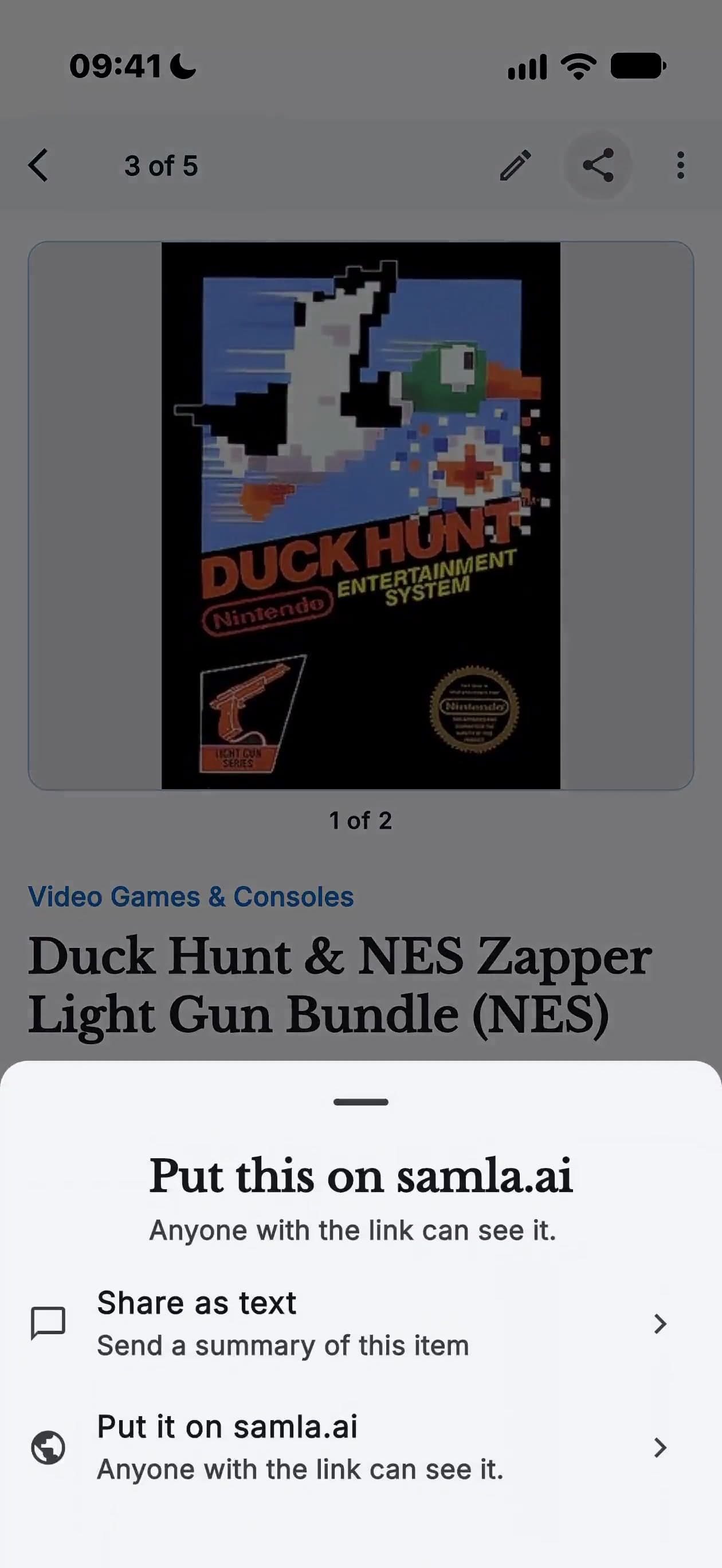
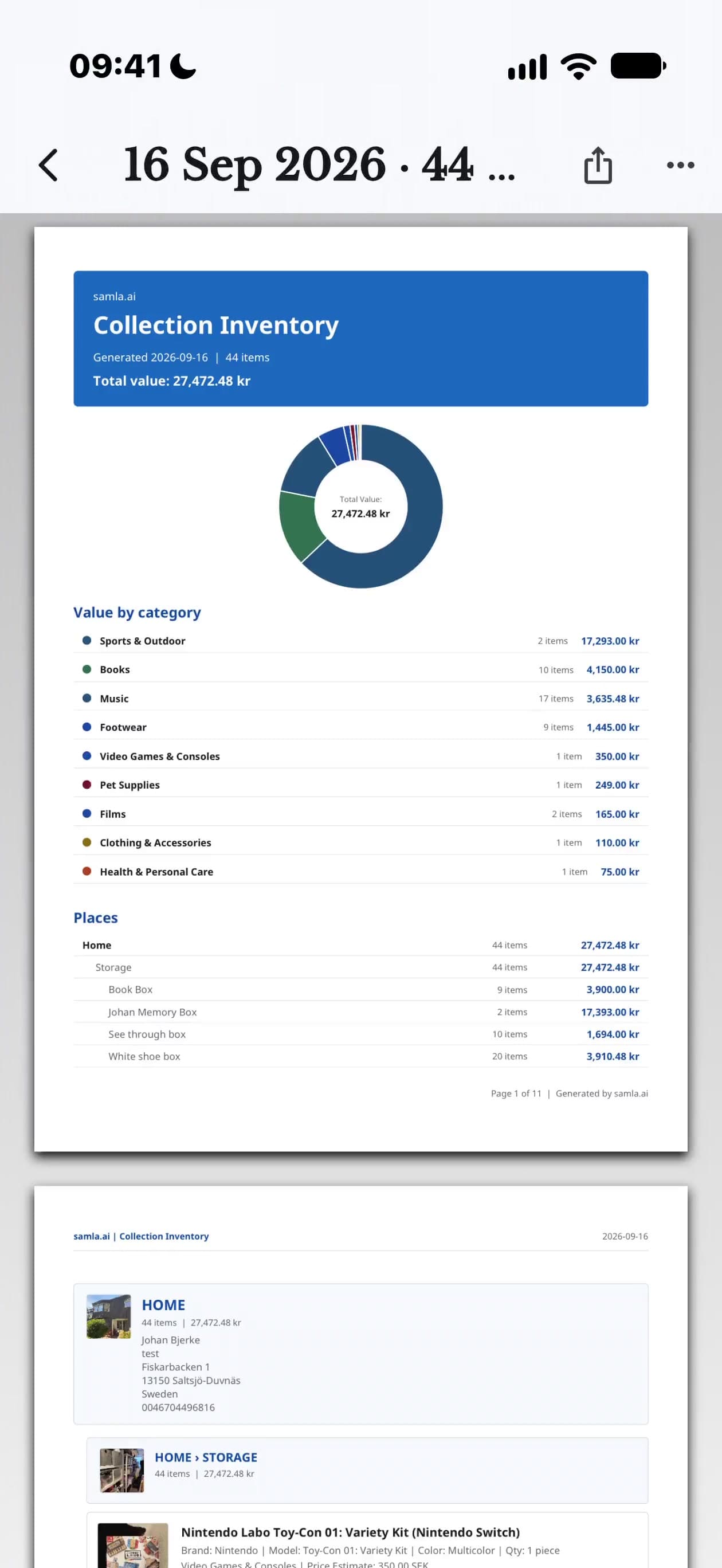
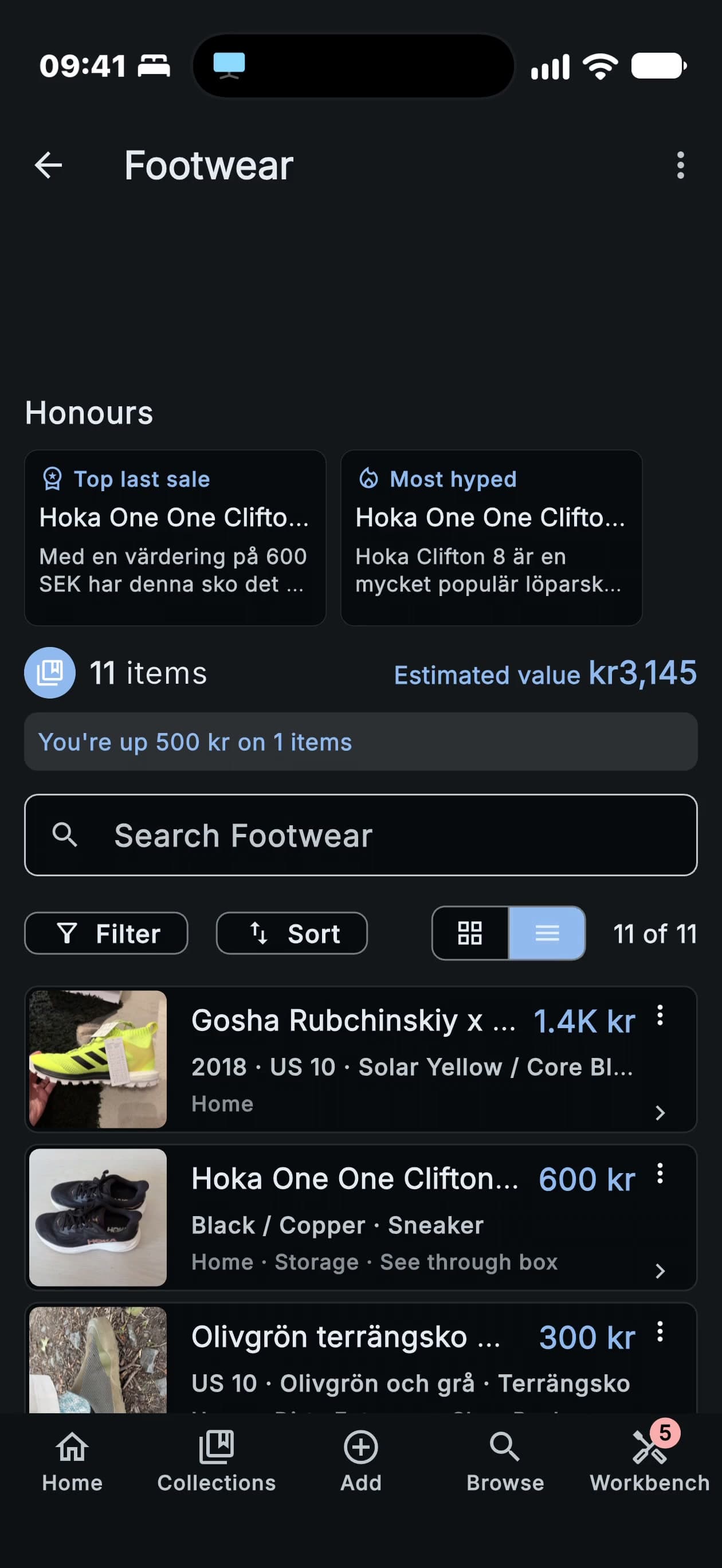
Find the right box
Put a location beside the photo.
- Name the place
- Use rooms, shelves and boxes to narrow your search.

Keep a record before you need it
Keep photos, receipts and identifying details together.
- Make evidence easier to find
- Export the information you need and ask your insurer what documentation they require.

Remember the details of each find
Record editions, condition and the story behind an item.
- Take a clear photo
- Capture the item and the labels or markings that distinguish it.
- Check the details
- Review the identification, correct mistakes and add what you know.
- Save it where it belongs
- Choose a collection and record its room, shelf or box.

Know what is in the cellar
Keep vintage, producer and storage location with each bottle.
- A useful bottle record
- Add your own tasting notes and review suggested drinking windows.
Look it up before you decide
Investigate an interesting find before adding it to your collection.
- Keep or discard
- Lookup analysis uses your scan allowance. Save the result only if you want it in your catalog.

Use the details you already have
Make a listing draft from your catalog.
- Prepare a listing
- Start with the photos and details already in your catalog. Review the draft before publishing.
- Choose a marketplace
- Use supported Discogs or eBay connections, or Reverb for Musical Instruments & Gear. You can also generate text for another marketplace.
- Keep the record
- Record the date and proceeds when an item leaves the collection.
Marketplace availability depends on your country and item. Check listing status after recording a sale or other departure.
Document a room together
Make a shared reference before deciding what to keep.
- A shared reference
- Keep photos and notes together when sorting a family home.
- Decide in your own time
- Document a room first, then return to the decisions with everyone involved.

Decide what comes with you
Review one group of items at a time.
- Prepare a listing
- Start with the photos and details already in your catalog. Review the draft before publishing.
- Choose a marketplace
- Use supported Discogs or eBay connections, or Reverb for Musical Instruments & Gear. You can also generate text for another marketplace.
- Keep the record
- Record the date and proceeds when an item leaves the collection.

Useful in smaller ways, too
Avoid a duplicate
Search what you own before buying another copy.
Related guides
Build a home inventory you can find when you need it
A practical way to photograph rooms, record identifying details and organize receipts for your home inventory.
Read guideWhat is my vinyl record worth?
Explore the value of a vinyl record by matching its pressing, checking condition and comparing completed sales.
Read guideHow to catalog a vinyl collection
Build a useful collection catalog with clear photos, identifying details, condition notes and locations. Start with one shelf and keep it up to date.
Read guide
Start with one shelf.
Download samla.ai and give the first few items a place in your catalog.