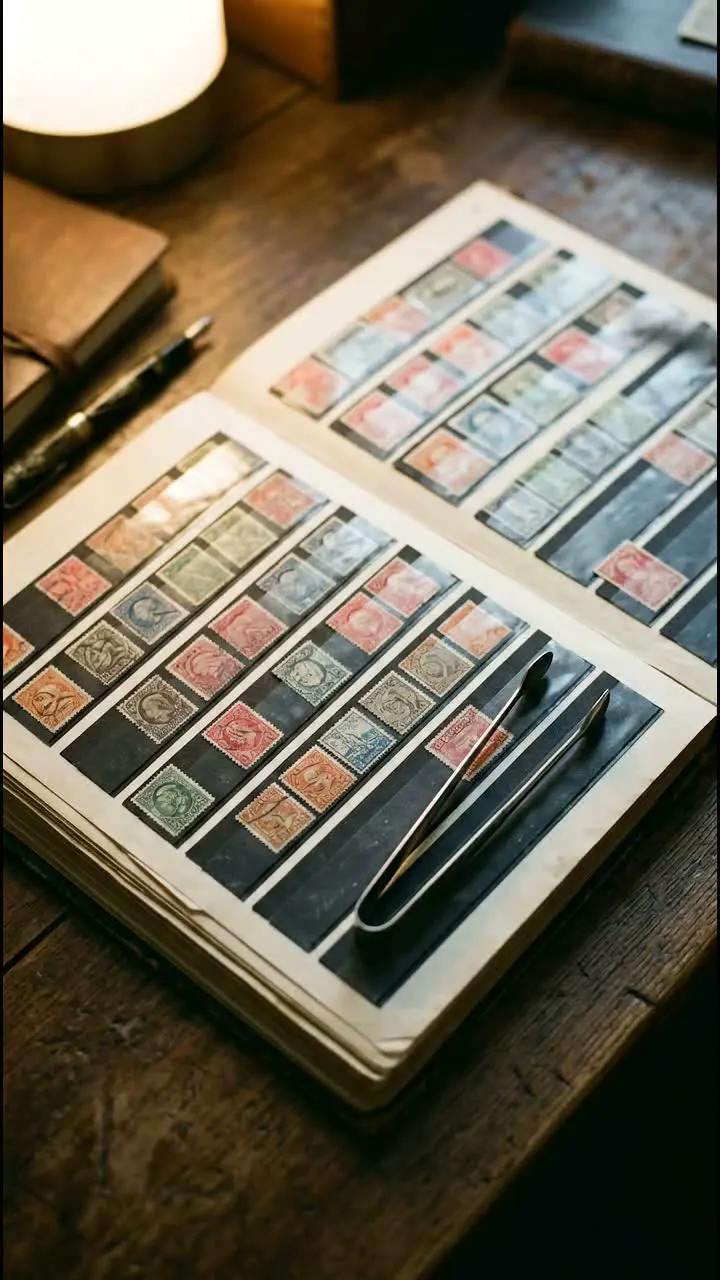
Details to record
- Country
- issue
- denomination
- cancellation and condition
Example record
20 öre with a clear postmark
Sweden · used · cancellation photographed close up
Your notes
Green album, page 8. Came from Grandad’s envelope collection.
Value tracker follows estimated values over time on a paid plan.
Tips for a useful record
Label the albums
Use the same album name in your catalog and on its cover. Add a page number to narrow the search.
Save the source of a detail
If you find an issue or catalog number in a reference book, note the book and page so you can check it again.
Highlights
Leave room for the tiny details
Photograph the stamp closely and check the country, issue, denomination, cancellation and edges. Keep uncertain details in your notes until you can confirm them. Record the album and page so the next search starts in the right place.
Keep the album address
Record the album and page alongside condition and purchase notes. If a stamp moves to another page, update its location while the album is still open.
Questions, answered
What details should I record for a stamp?
Country, issue, denomination, cancellation and condition. Add photos that show the cancellation and edges. Keep uncertain details in your notes until you can confirm them.
How do I get an estimated value from a photo?
Photograph the stamp, review the suggested details, and open the estimate beside comparable marketplace listings.
Who can see my catalog?
Your catalog starts private. You choose whether to invite people, share a read-only collection link or publish an item as a public page. Check the photos and notes before sharing.
More to explore

How to document a typewriter at home
Make a record of the typewriter on the study shelf with samla.ai. Save the maker, model, serial number and the story of who used it.
- Collecting
- Product
The samla.ai marketing team1 min read
How to catalog a postcard collection
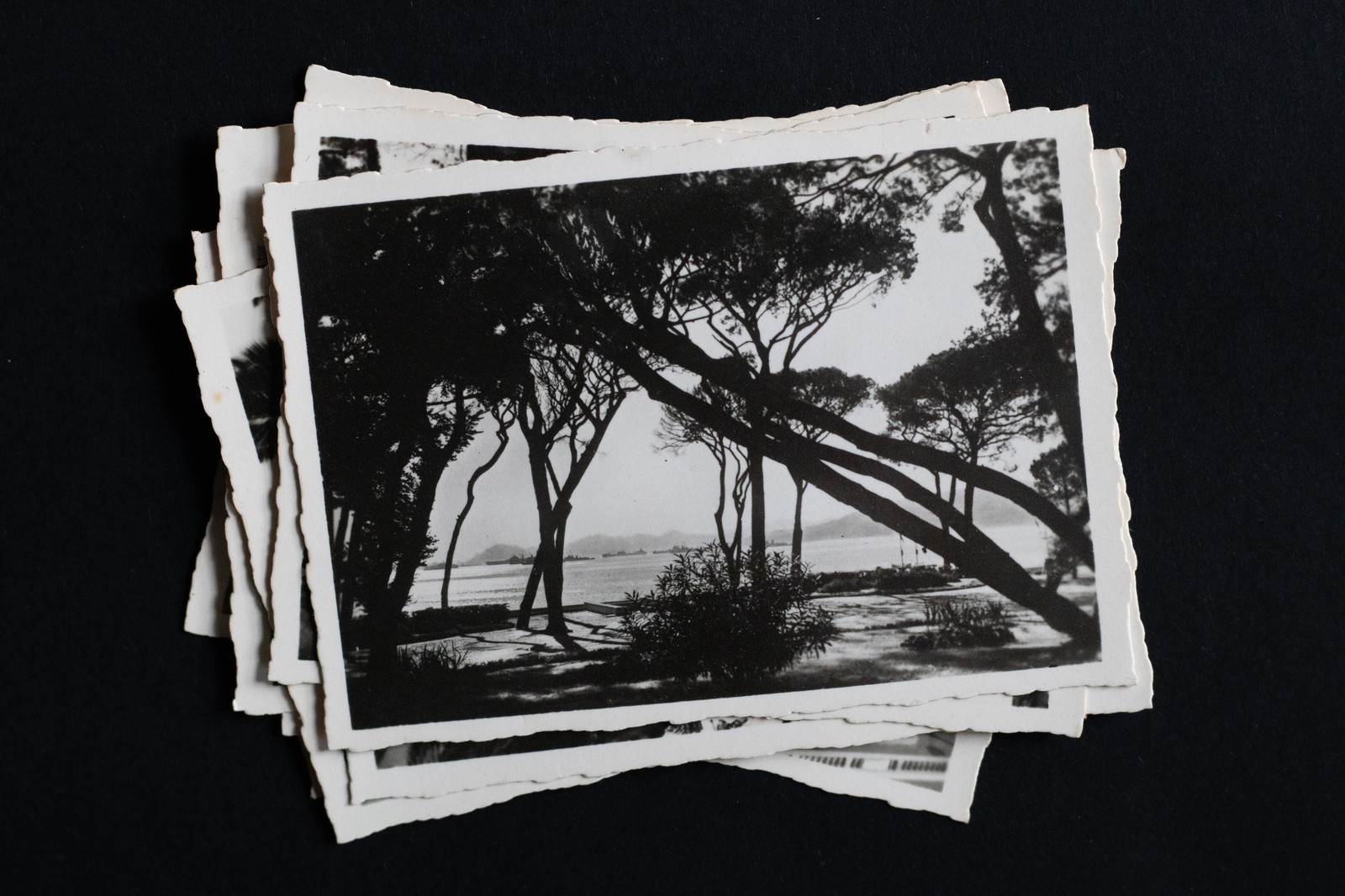
Catalog the postcards in the shoebox with samla.ai. Record the place, the date, the sender and the stamp, and find a particular card without emptying the box.
- Collecting
- Product
The samla.ai marketing team1 min read
How to keep track of the rugs in storage
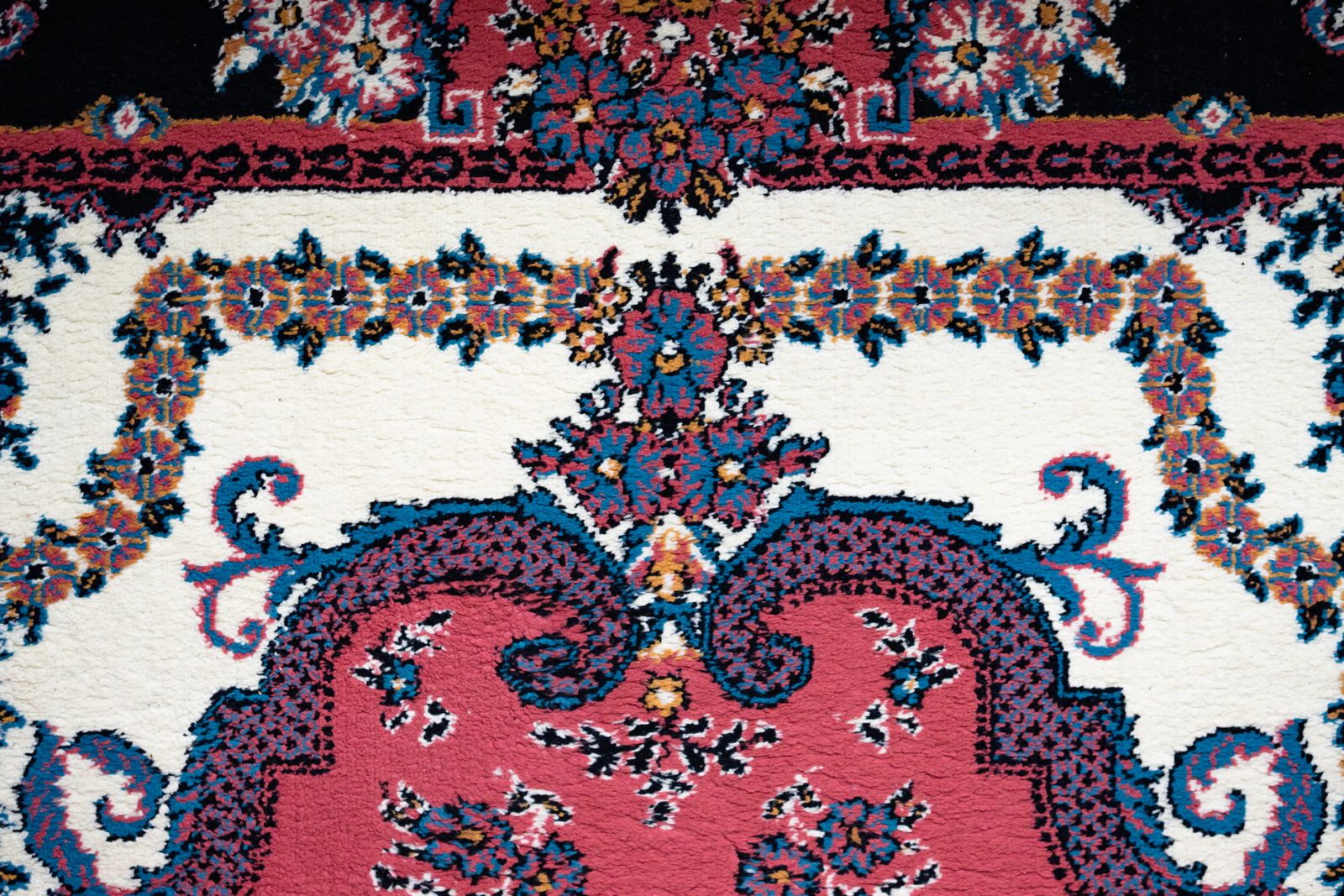
Record the rugs rolled up in your storage room with samla.ai. Save size, origin, condition and history, and know which rug is which before you unroll them all.
- Collecting
- Product
The samla.ai marketing team1 min read
Start a collection
Add a few items and build from there.