What should you check before choosing a price?
Start with the object itself. Check the model, condition and what comes with it, then open Value tracker on its item page. The recorded checks and available comparison data give you context for choosing a price.
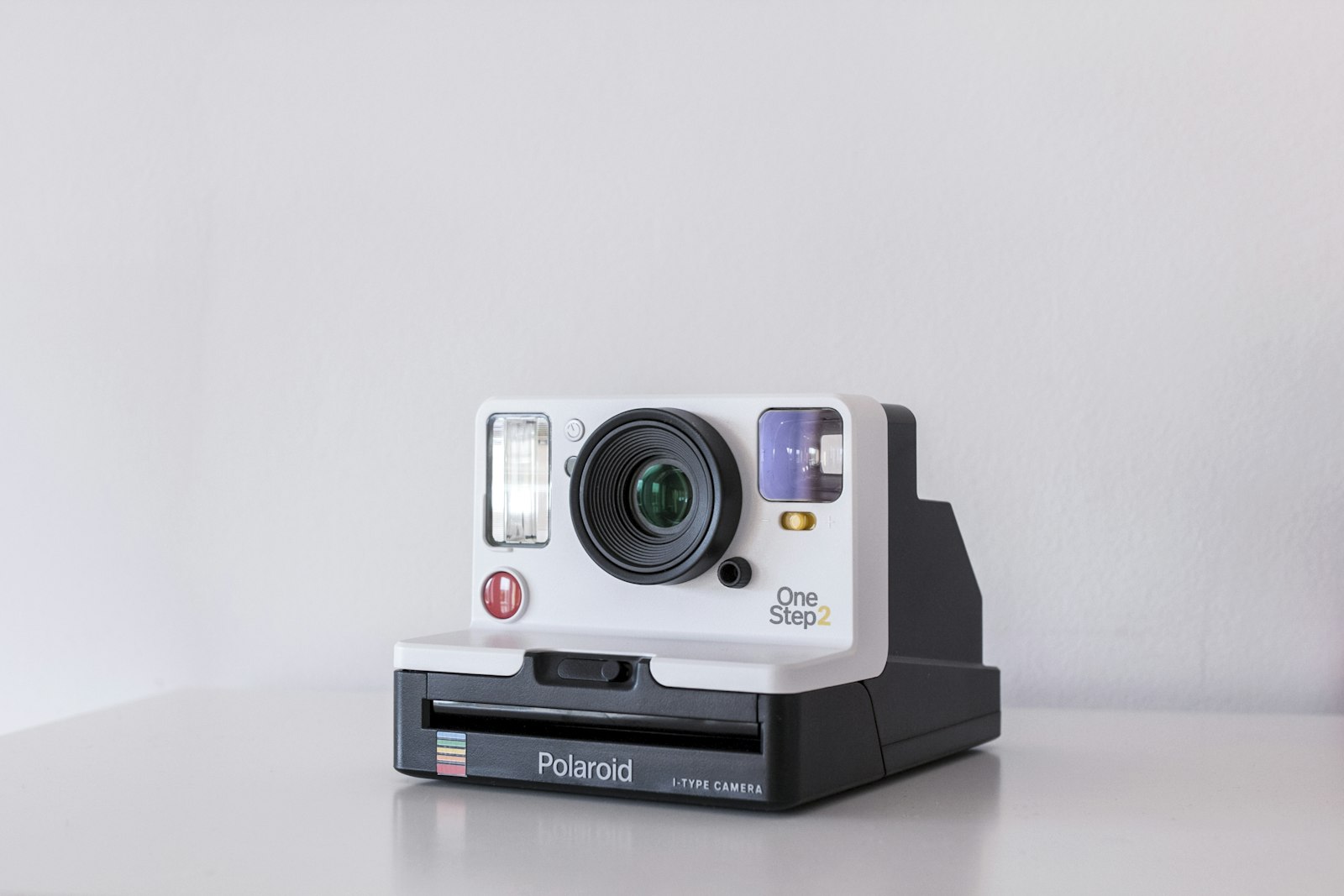
Look closely at the comparisons. A camera with its original lens and box may be a poor match for a body with a faulty shutter, even if the model name is the same.
What does the history tell you?
It shows the checks made over time and any estimates those checks produced. Open the comparable listings to see what sits behind a number. Asking prices show what sellers hope to receive; a recorded sale gives a different kind of evidence.
A check may find too little usable data to produce a new estimate. Choose whether and when to sell around your own plans, with the history as useful background.
- Check the photos, model and condition in your saved record.
- Review the available history and comparable listings.
- Prepare the listing when you are ready, and check its details before publishing.
FAQ
Do I need to wait before selling?
You can prepare a listing whenever you are ready. Tracking gives you more history to consider; it cannot promise a better price later.
Where can I see the items I follow?
Open Value tracker on an individual item, or use the overview on Analytics. Your plan determines the available tracking capacity; current details are on the pricing page.