
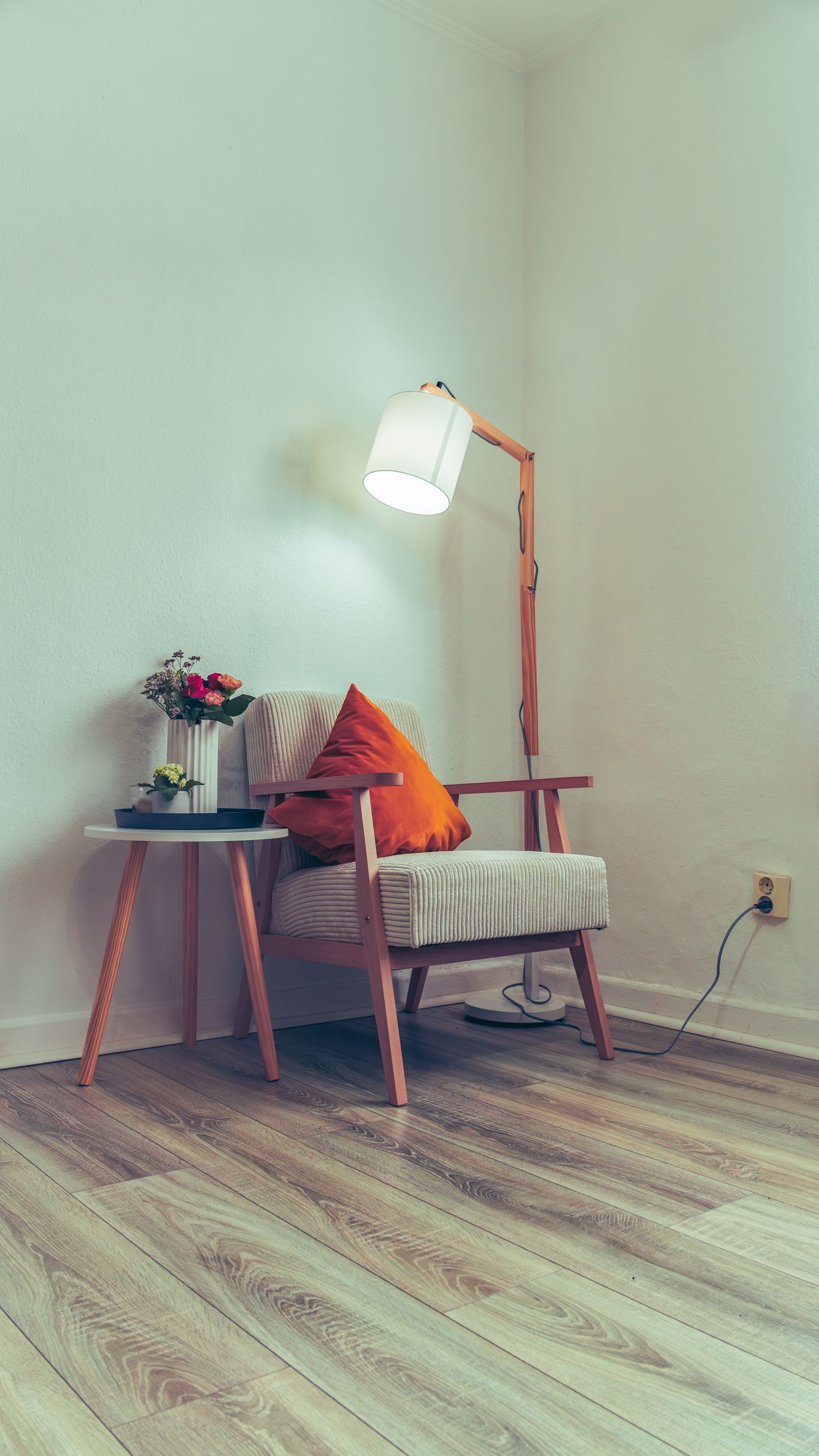
Where do you find the maker on a lamp or chair?
Start with visible labels and markings under the seat or on the lamp’s base. Photograph the whole piece and any labels you can reach safely; unplug a lamp before handling it. Compare the suggested maker and model with those details and any paperwork you have.
If there is no marking, a few good photos of shape and details still help. You can add the maker later when you learn more.
What should the record say?
Furniture records become useful when they describe this particular piece.
- Maker, designer and model, as far as you can confirm them.
- Materials, colour and size.
- Wear, repairs and new upholstery or wiring.
- The receipt, the story and the room it lives in.
Save each piece in its room, such as Living room or Study. A move is easier when the list already follows the house.
What is a design classic worth today?
Match the confirmed maker, model, production period and condition when comparing furniture. Keep later upholstery, replacement parts and repairs in the description so you can judge how closely another piece resembles yours. On Pro and Ultra, you can enable Value tracker for selected items and choose an available schedule. Open the comparisons to check how closely they match your item; the figures are estimates.
Look up mode can suggest an identity and estimated value from a photo without adding the item to your collection. It is included on Free; review the suggested details before relying on them.
FAQ
Do I need the receipt?
It helps, but it is optional. Add a photo of it if you have one, and note where the piece came from if you do not.
Can I export the list for insurance?
On Pro and Ultra, you can filter by location and export a PDF inventory with photos or a CSV of item data for a spreadsheet. Ask your insurer which records and valuations it needs, and keep the original receipts. An app estimate is for information, not a professional appraisal.
Start with one piece and a label you can reach easily. Photograph it, add its room and save what you know about where it came from.