Details to record
- Maker
- model
- serial number
- accessories and condition
Example record
Sunburst electric guitar
Six strings · replacement bridge · padded gig bag
Your notes
Studio wall stand. Original bridge in the spare-parts box; restrung in May.
Value tracker follows estimated values over time on a paid plan.
Tips for a useful record
Date the maintenance notes
Add the date of a repair, service or string change, and keep the receipt with the record.
Name the matching accessories
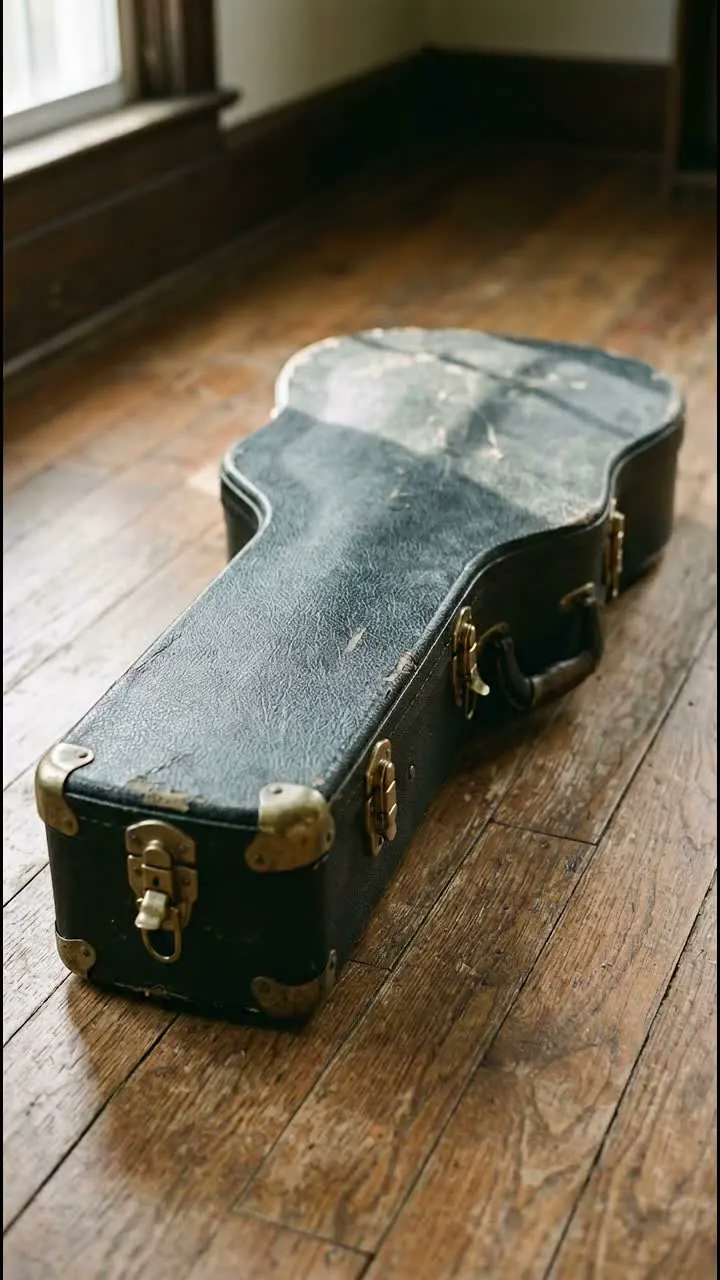
Write down which power supply, cable or case belongs to the instrument before the next rehearsal.
Highlights
Keep the maintenance notes
Photograph maker, model and serial number, then add your own notes about repairs, changed parts and condition. Keep receipts and useful close-ups with the record.
Have the details ready when gear moves on
Record the case, power supply and other included parts. You can also prepare Reverb listings for Musical Instruments & Gear, where supported; review the details before publishing.
Questions, answered
What details should I record for an instrument?
Maker, model, serial number, accessories and condition. Photograph serial numbers and add notes about repairs and changed parts.
Can I prepare a Reverb listing from my catalog?
Yes. You can prepare Reverb listings for Musical Instruments and Gear, where supported. Review the details before publishing.
Who can see my catalog?
Your catalog starts private. You choose whether to invite people, share a read-only collection link or publish an item as a public page. Check the photos and notes before sharing.
Start a collection
Add a few items and build from there.