Details to record
- Designer, maker and model
- Materials and finish
- Dimensions
- Labels, stamps and year
- Condition and repairs
- Room
Example record
The teak sideboard
Four drawers · two sliding doors · maker’s label in the top drawer
Your notes
Living room, under the window. Spare shelf pins in the left drawer.
Value tracker follows estimated values over time on a paid plan.
Tips for a useful record
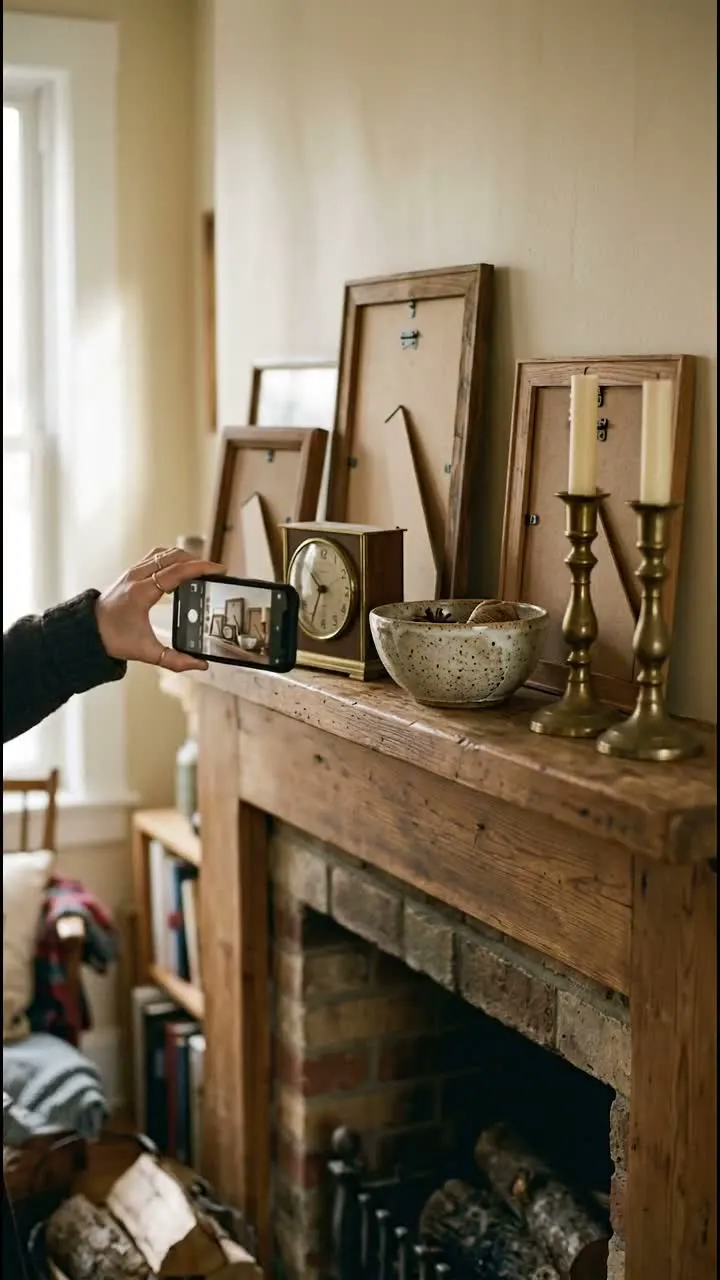
Photograph in daylight
Wood grain and fabric colour look truer by a window than under a ceiling lamp.
Note what has been replaced
New upholstery or new legs change a piece. Write down what was done and when.
Highlights
Look underneath
Makers’ labels and stamps are often under the seat, on the back or inside a drawer. Photograph them and check the suggested designer and model against the piece.
Save the measurements
Height, width and depth decide where a piece fits. Keep them on the record and you will not need the tape measure next time.
Questions, answered
Can samla.ai identify a designer chair?
samla.ai suggests designer, maker and model from your photos. Compare the suggestion with the labels and stamps on the piece, then correct or add what you know.
Can I sell furniture from my catalog?
Prepare an eBay listing draft from the record. Check the measurements, describe wear or repairs and review the delivery options before publishing.
Who can see my catalog?
Your catalog starts private. You choose whether to invite people, share a read-only collection link or publish an item as a public page. Check the photos and notes before sharing.
Start a collection
Add a few items and build from there.