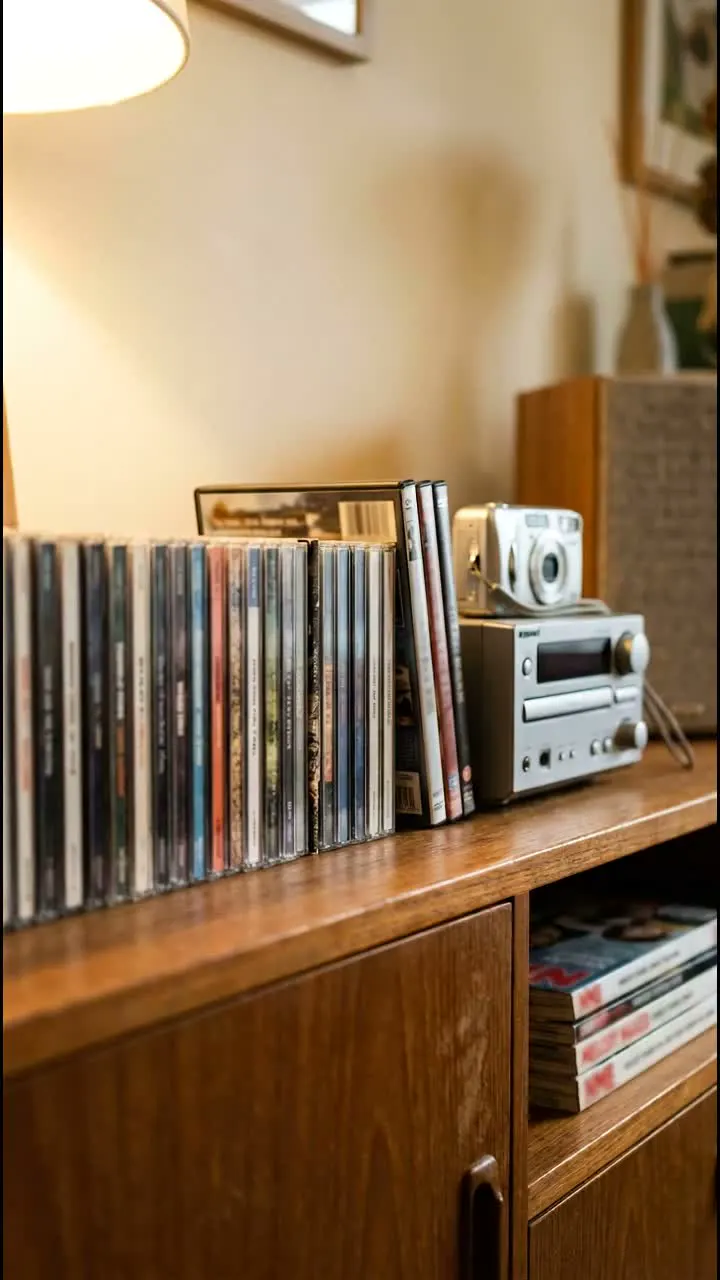
Details to record
- Title
- release
- format
- region and edition
Example record
Rear Window - the DVD copy
DVD · booklet included · light wear on the case
Your notes
Film shelf, second row. Check the subtitle list before lending it to Alex.
Value tracker follows estimated values over time on a paid plan.
Tips for a useful record
Note the language options
Save the audio and subtitle languages printed on your edition, especially when you own imports.
Record what you tested
Note which discs you checked and any playback problems, with the date.
Highlights
Check the edition on the case
Record format, region and release details from your copy. Add notes about subtitles, bonus discs or other extras you want to find again.
Remember what is inside
Photograph the discs and inserts, note any missing pieces and add a shelf location. A note about who borrowed the film can save a second search.
Questions, answered
What details should I record for a film?
Title, release, format, region and edition. Add notes about subtitles, bonus discs or extras you want to find again.
How do I tell editions apart?
An extended cut, a steelbook and a copy with commentary can look similar on the shelf. Save format, region and edition details beside a photo.
Who can see my catalog?
Your catalog starts private. You choose whether to invite people, share a read-only collection link or publish an item as a public page. Check the photos and notes before sharing.
Start a collection
Add a few items and build from there.