
Details to record
- Author
- title
- publisher
- ISBN
- edition and condition
Example record
The Hobbit - reading copy
Paperback · English · creased spine, all pages present
Your notes
Bookcase by the window, shelf 3. Birthday message on the first page.
Value tracker follows estimated values over time on a paid plan.
Tips for a useful record
Keep the loose extras
Maps, postcards and errata slips are easy to lose. Photograph them and note which book they belong to.
Note a loan when it happens
Add the borrower’s name to your notes before the book leaves the shelf. Remove it when the book comes home.
Highlights
Check the pages that identify the edition
Add photos of the title and copyright pages when the cover leaves questions. Check publisher, ISBN and edition details against the book itself.
Keep the personal footnotes
Note the inscription, the loose map or who borrowed it. A shelf location is useful too, especially when your idea of alphabetical order has become rather personal.
Questions, answered
What details should I record for a book?
Author, title, publisher, ISBN, edition and condition. Photograph the title and copyright pages when the cover is not enough.
How do I tell copies of the same title apart?
An inscription, a particular edition or a battered dust jacket tells you which copy is yours. Keep those details beside a photo and a shelf location.
Who can see my catalog?
Your catalog starts private. You choose whether to invite people, share a read-only collection link or publish an item as a public page. Check the photos and notes before sharing.
Guides and reading
How to catalog a book collection
Build a useful collection catalog with clear photos, identifying details, condition notes and locations. Start with one shelf and keep it up to date.
Read guideHow to identify a first edition
Start with the title and copyright pages, then check the publisher’s conventions and the details of a documented first printing.
Read guideHow to sell books from your catalog
Prepare a listing from your saved photos and details. Check condition, compare prices, review the draft and publish to a supported marketplace.
Read guide
More to explore

How to document a typewriter at home
Make a record of the typewriter on the study shelf with samla.ai. Save the maker, model, serial number and the story of who used it.
- Collecting
- Product
The samla.ai marketing team1 min read
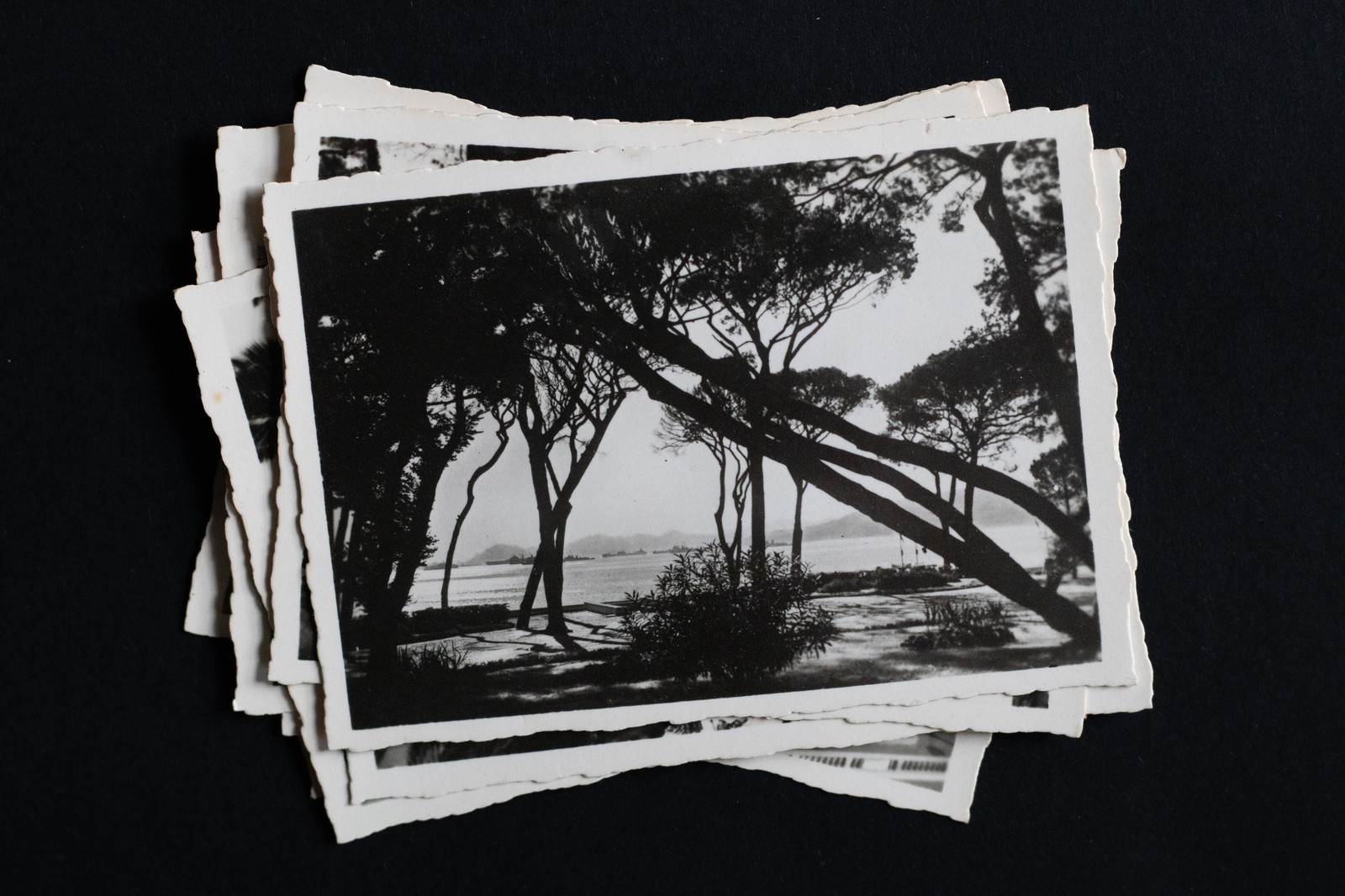
How to catalog a postcard collection
Catalog the postcards in the shoebox with samla.ai. Record the place, the date, the sender and the stamp, and find a particular card without emptying the box.
- Collecting
- Product
The samla.ai marketing team1 min read
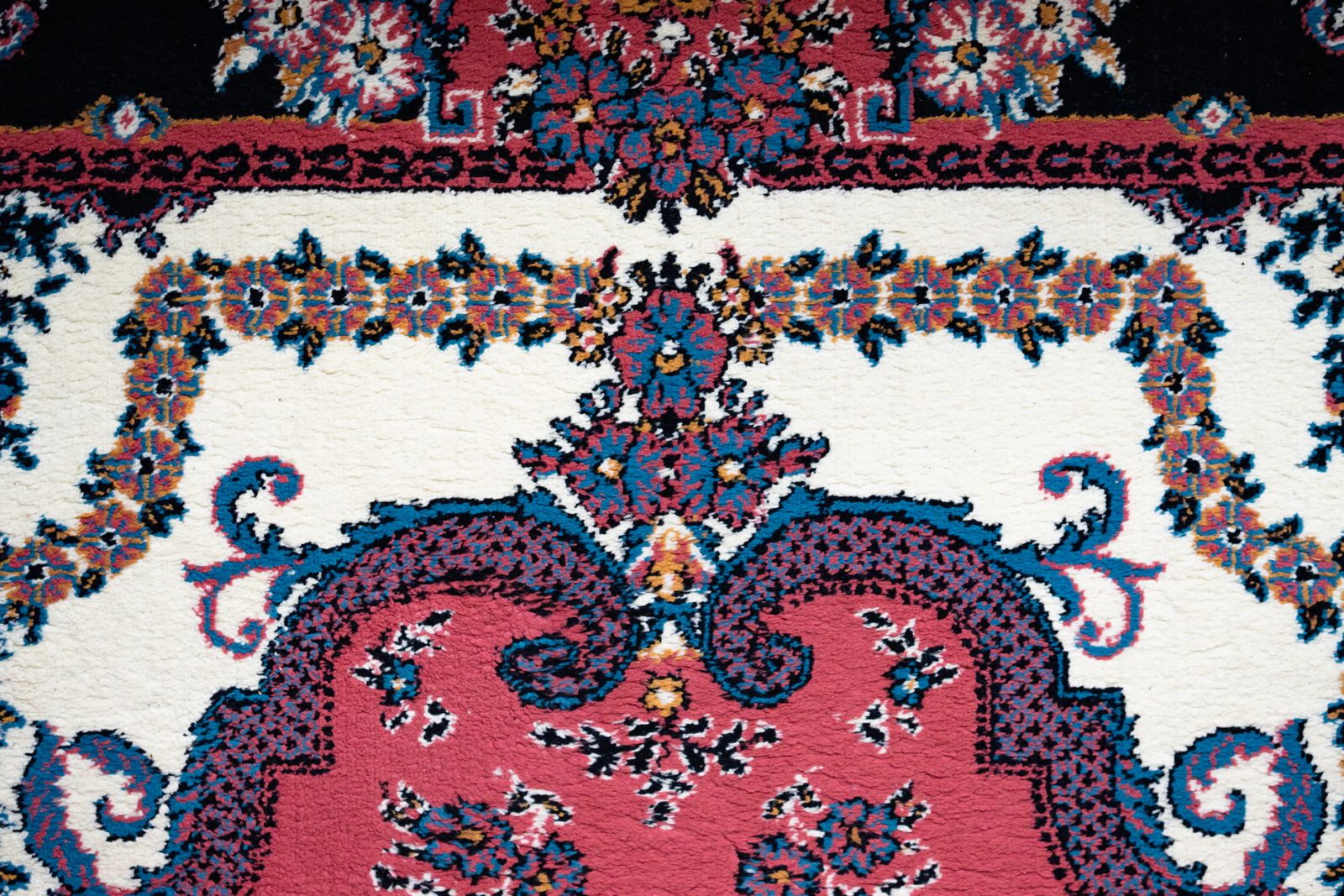
How to keep track of the rugs in storage
Record the rugs rolled up in your storage room with samla.ai. Save size, origin, condition and history, and know which rug is which before you unroll them all.
- Collecting
- Product
The samla.ai marketing team1 min read
Start a collection
Add a few items and build from there.