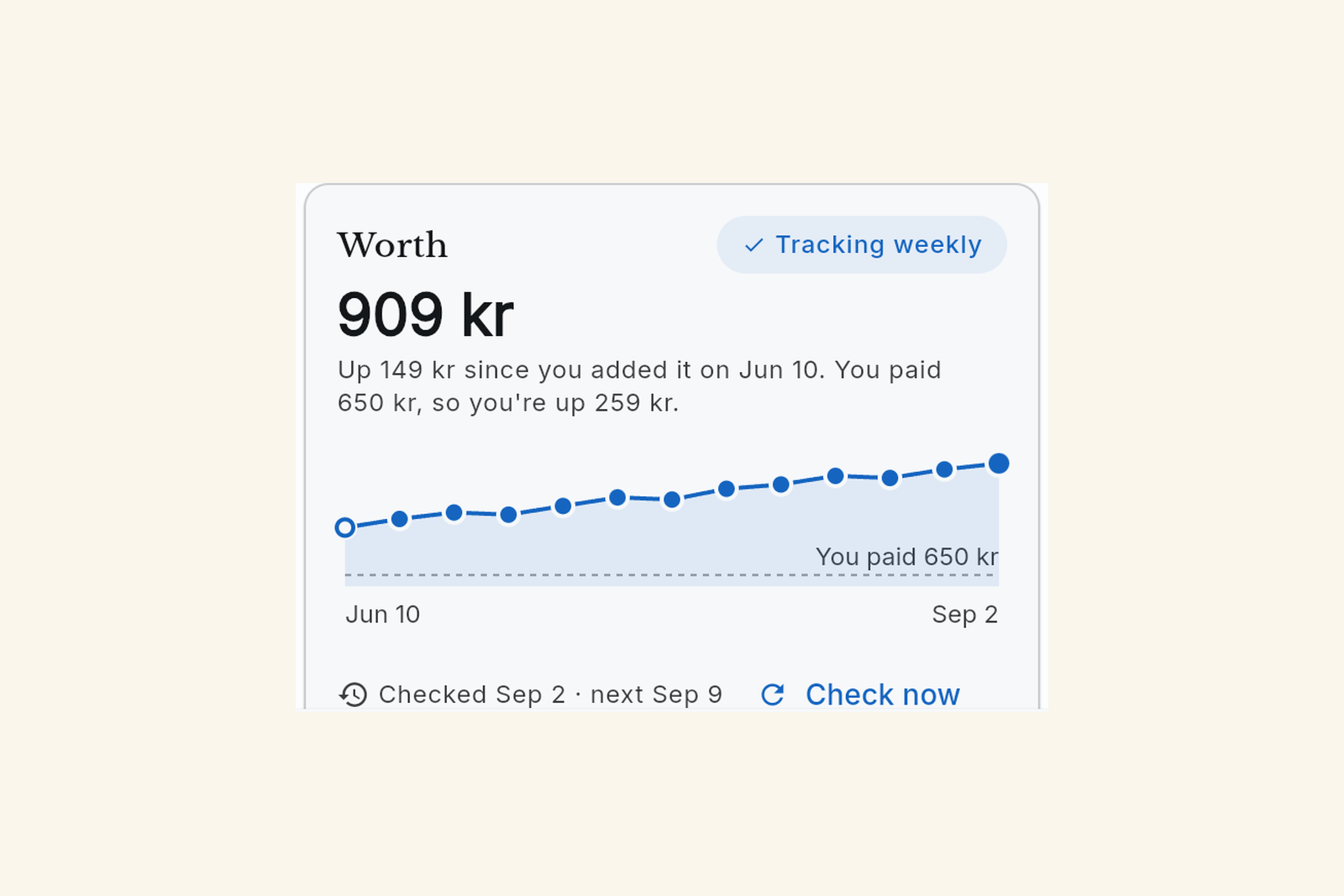
A value tracker on every item
Open an item and Worth is a card of its own. It shows the estimate, what you paid, a line through every check so far, and a Check now button.
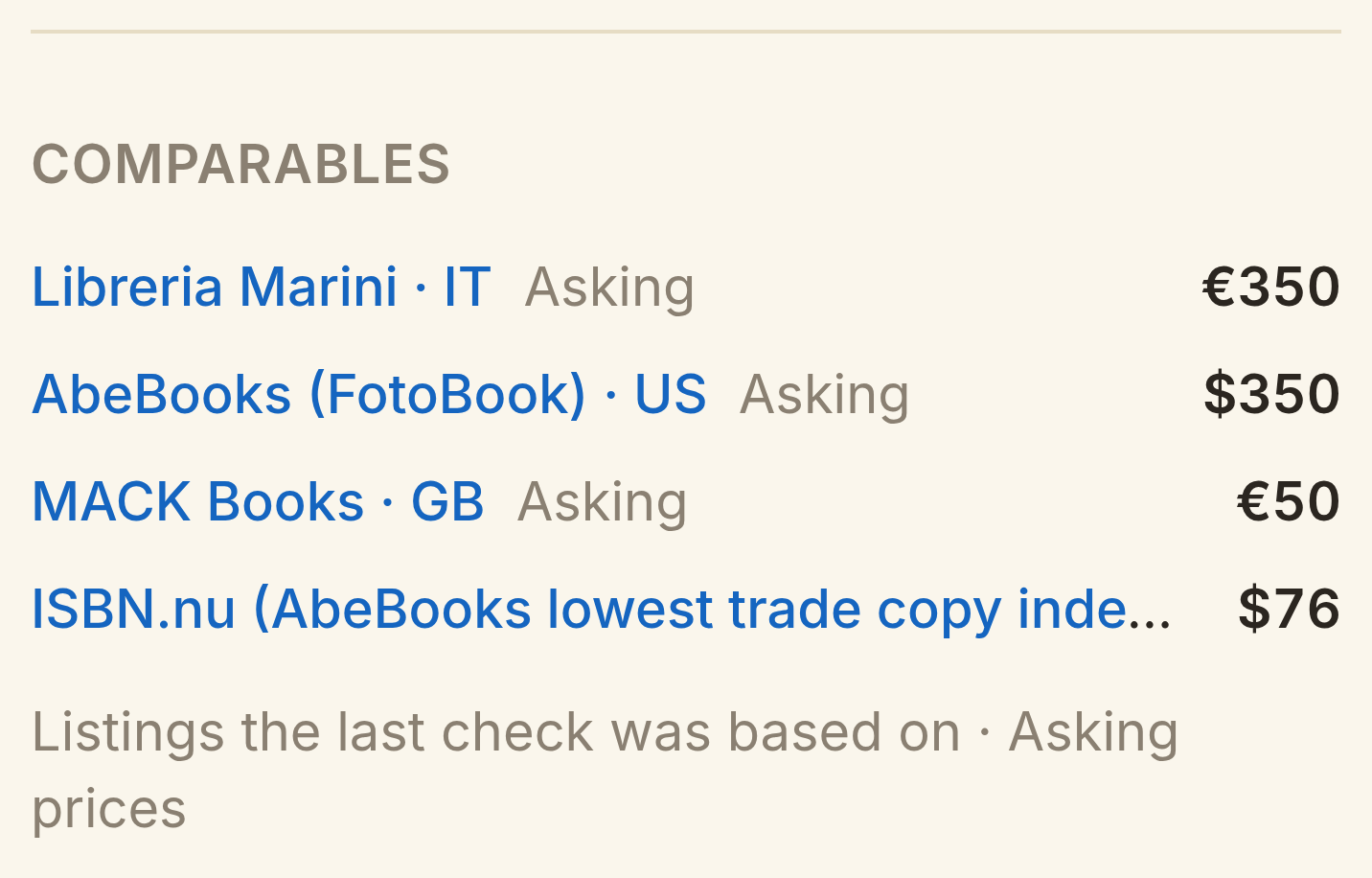
- Shops and sold listings sit in one list under the estimate, with real links, in your currency, for the matching model.
- Check now starts from the sale or ad listing links the item already has and looks for newer ones, so every check builds on the last.
- A shop that sold out counts as a confirmed sale. The estimate stays put when that listing disappears.
- You can set the value price yourself, even while weekly tracking is on.
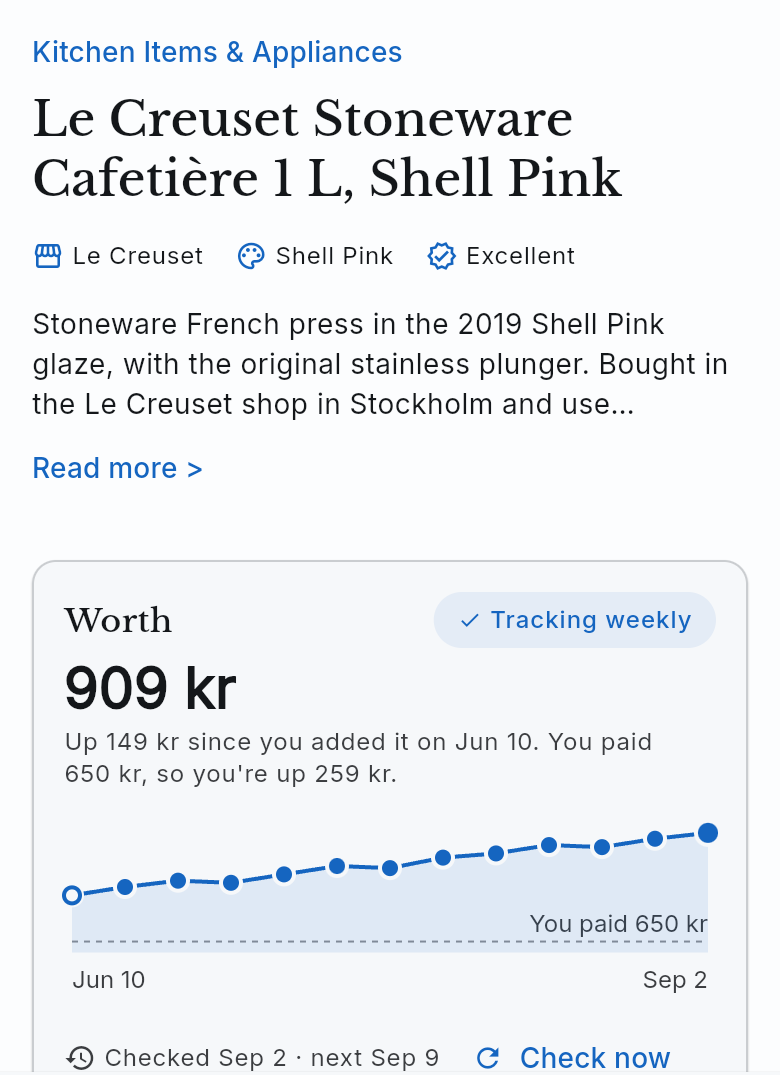
One Workbench list for everything you track
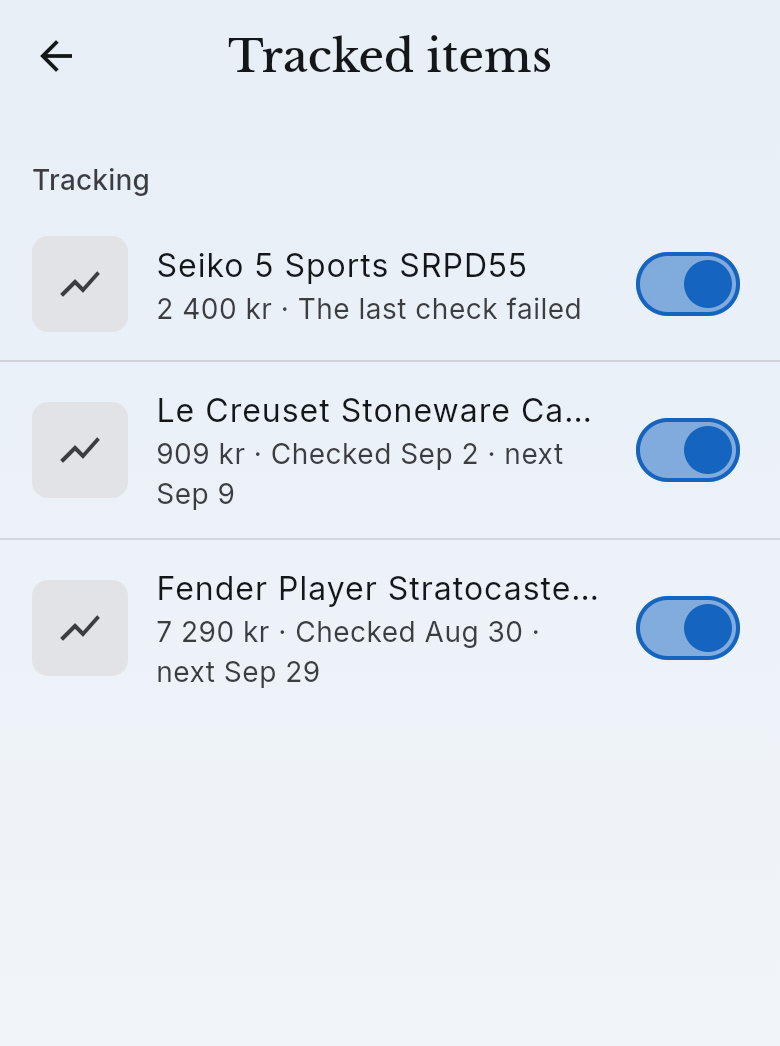
Every tracked item now sits in one list in the Workbench, with a switch on each row. Flip it to pause tracking, or to free the slot for another item. Price tracker stays on Pro and Ultra.
Leave the AI a note when you scan
When you add an item you can type a short steering note: "signed copy", "first pressing", "the blue one". Identification follows the hint, the note stays on the item, and the weekly price tracker reads it too.
Share first, sell when you want
Sharing and selling are two separate paths now.
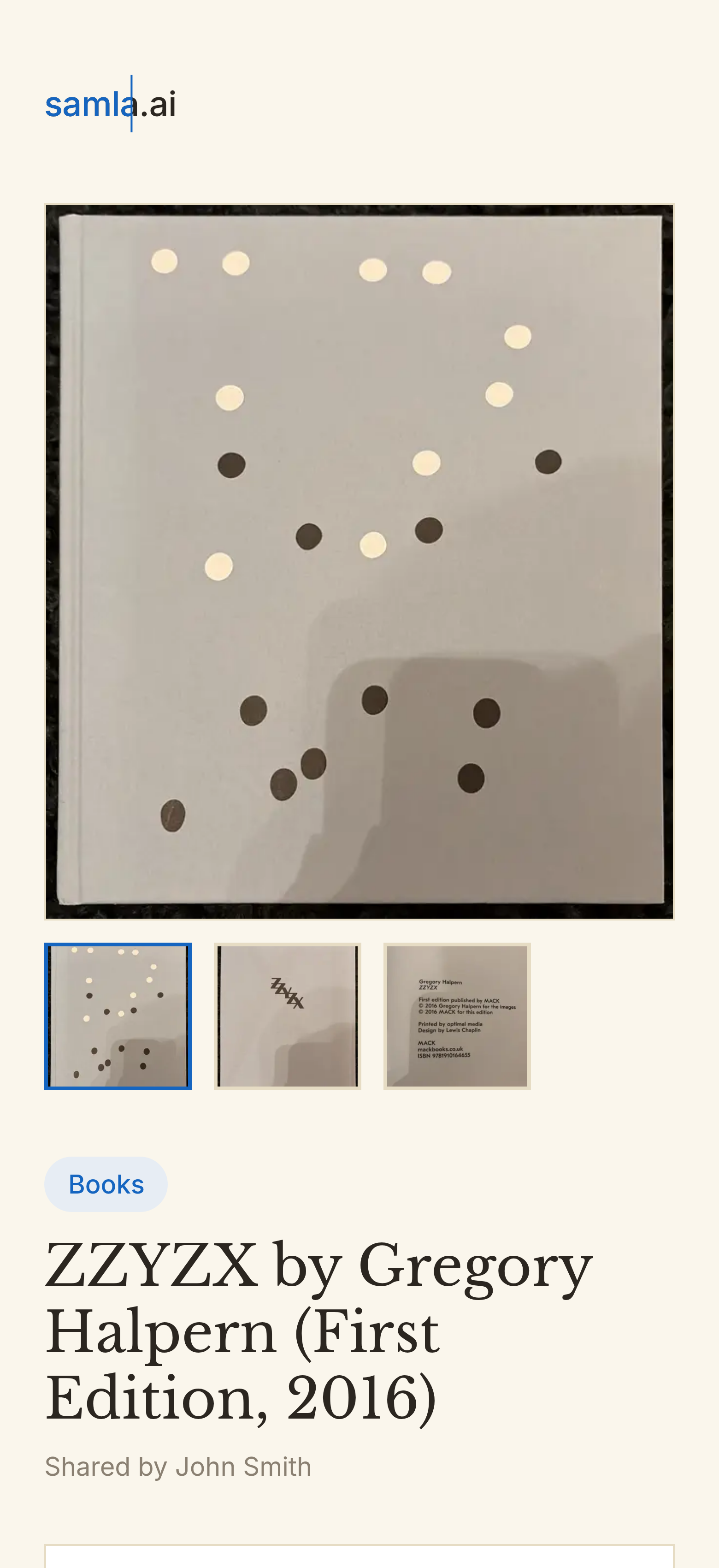
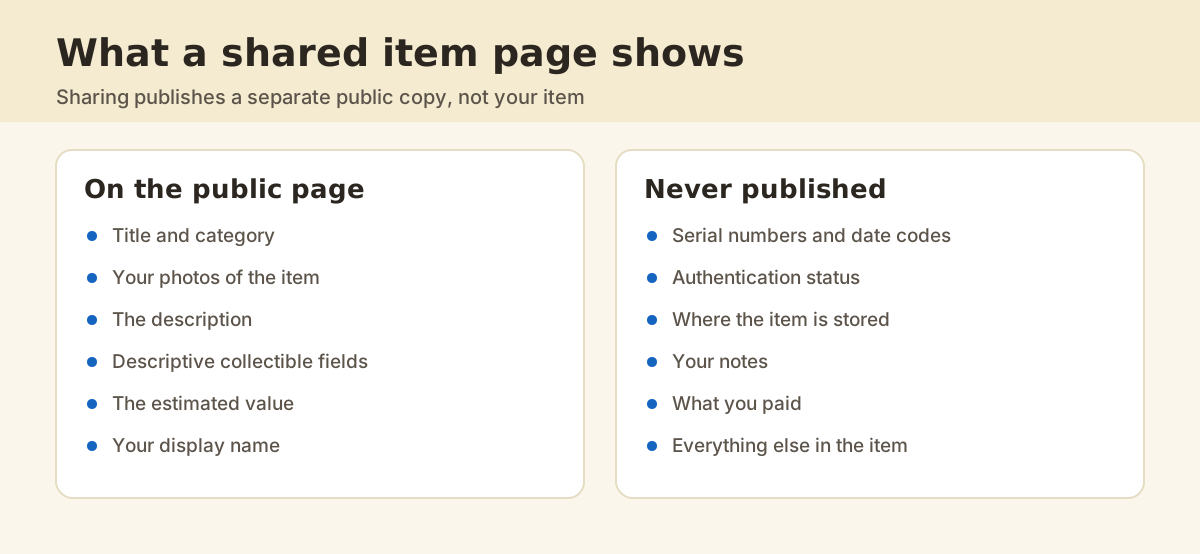
- Share: put the item on samla.ai and open its live page from the app. Nothing is listed for sale, and only a public copy goes out, never your item.
- Sell: when you want a listing, step back into the publish sheet from the same item. Ad publishing stays on Pro and Ultra.
Smaller things you will notice
- Sign in with Apple.
- Add reads a barcode from the photos you kept, and a catalog hit can set the cover as the hero photo.
- Swedish books, comics and magazines now compare on Bokbörsen.
- A redesigned export menu.
- Prices stay in whole units after currency conversion.
- A round of small fixes.
FAQ
Do I need to update the app?
Yes. Update from the App Store or Google Play, then open an item.