
Why we built family sharing
A house is several collections wearing one address. The comics belong to whoever actually reads them. The wine rack belongs to whoever buys the bottles. Sitting one person down with a camera for the whole place is how catalogs stall: you finish the easy shelf, look at the rest of the rooms, and quietly stop.
We wanted the person who already knows a shelf to be the one who photographs it. So family sharing is a code you send. Everyone keeps their own phone. You invite, they join, and there is one collection. Same items, same rooms, same locations. Monthly scans come from one tank, so nobody has to guess whose allowance a comic used. A Saturday with the kids on the comics and someone else on the wine rack is one evening of work on one catalog.
How do you invite the household?
Five steps. The first one is the plan; the rest is the code and the shelf.
1. Be on Pro or Ultra
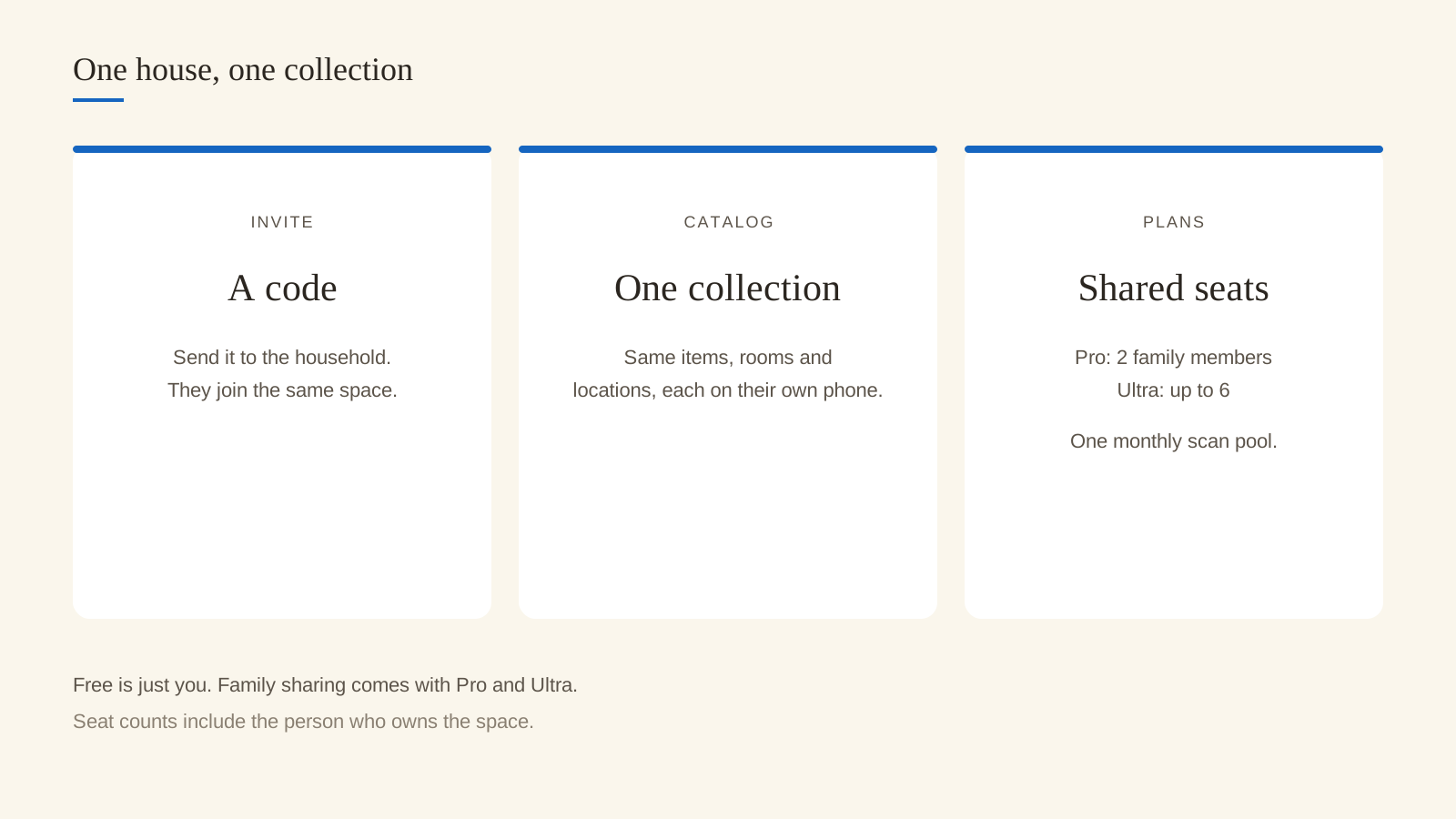
Family sharing comes with the paid plans. The free plan is just you. Pro includes two family members, Ultra up to six. The seat count is the size of the family space, owner included: those numbers are the whole household on that plan.
2. Invite with a code
The app gives you a code. Send it the way you already message the house, then they join with that code.
3. They join the same collection
They enter the code and land in the shared collection. From then on they see the same items, rooms and locations you do, on their own device.
4. Each person scans the shelf they know
Open Add on any phone in the household and photograph what is in front of you. Comics on one device, the wine rack on another, the records if that is your job. Everything lands in the same catalog. If you have not scanned anything yet, start with one object and keep the camera open for the next.
5. Open Collections or Browse and see what everyone added
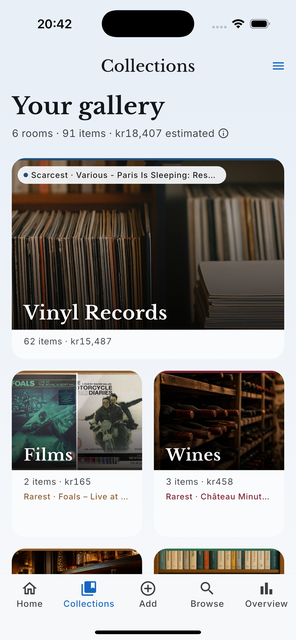
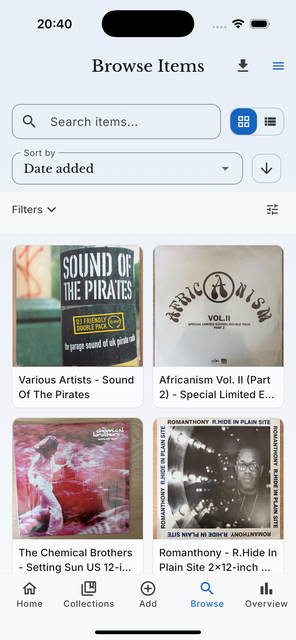
The gallery and the item grid are the same on every phone. Search works on the whole shared catalog, so the bottle someone else scanned this afternoon is findable from the couch tonight. Rooms and locations stay shared too: the wine rack is one place in the catalog that every phone reads.
What does everyone see?
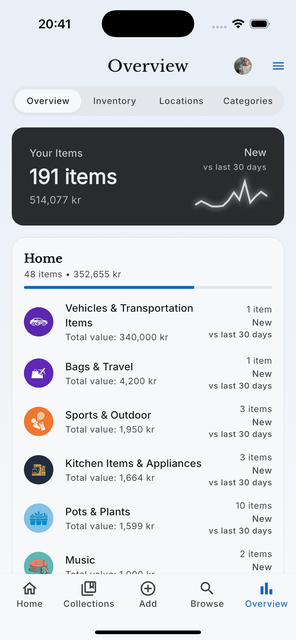
The same collection. Items, rooms and locations stay in sync, each person on their own device. Anyone in the family can see and edit every item, including photos, notes, purchase prices and valuations. Your display name, or your email if that is what the app has, is shown to the other members.
Where a value is shown it is an estimate for informational purposes, never a professional appraisal. That stays true when the whole house can see the number.
What does it cost, and who uses the scans?
Family sharing is a Pro and Ultra feature. Monthly scans are shared, so the whole family draws from the same tank. That is the point of the shared pool: a burst of comics on one phone and a quiet row of bottles on another still count against one monthly allowance. The plan cards on /pricing show the seat line for each tier.
| Plan | Who catalogs | Scans |
|---|---|---|
| Free | Just you | Your own monthly allowance |
| Pro | 2 family members included | One shared monthly pool |
| Ultra | Up to 6 family members | One shared monthly pool |
What if someone leaves?
Leaving the family ends this sharing for new activity. Items that person contributed stay in the family collection, so the catalog does not lose a shelf because someone switched phones.
FAQ
How many people can join?
Pro includes two family members, Ultra up to six. Those seats are the size of the family space, owner included. The free plan is just you.
Do we share the monthly scan allowance?
Yes. Monthly scans are shared, so the whole family draws from the same tank.
Can someone else edit an item I added?
Yes. Every member can see and edit every item in the shared collection, including photos, notes, purchase prices and valuations. Correct a title or a location the way you would on your own catalog: every field stays editable.
Is this the same as sharing an item as a web page?
Family sharing puts the whole collection on each person's phone. A public item page puts one object on a samla.ai link anyone can open without an account, and that works on every plan.