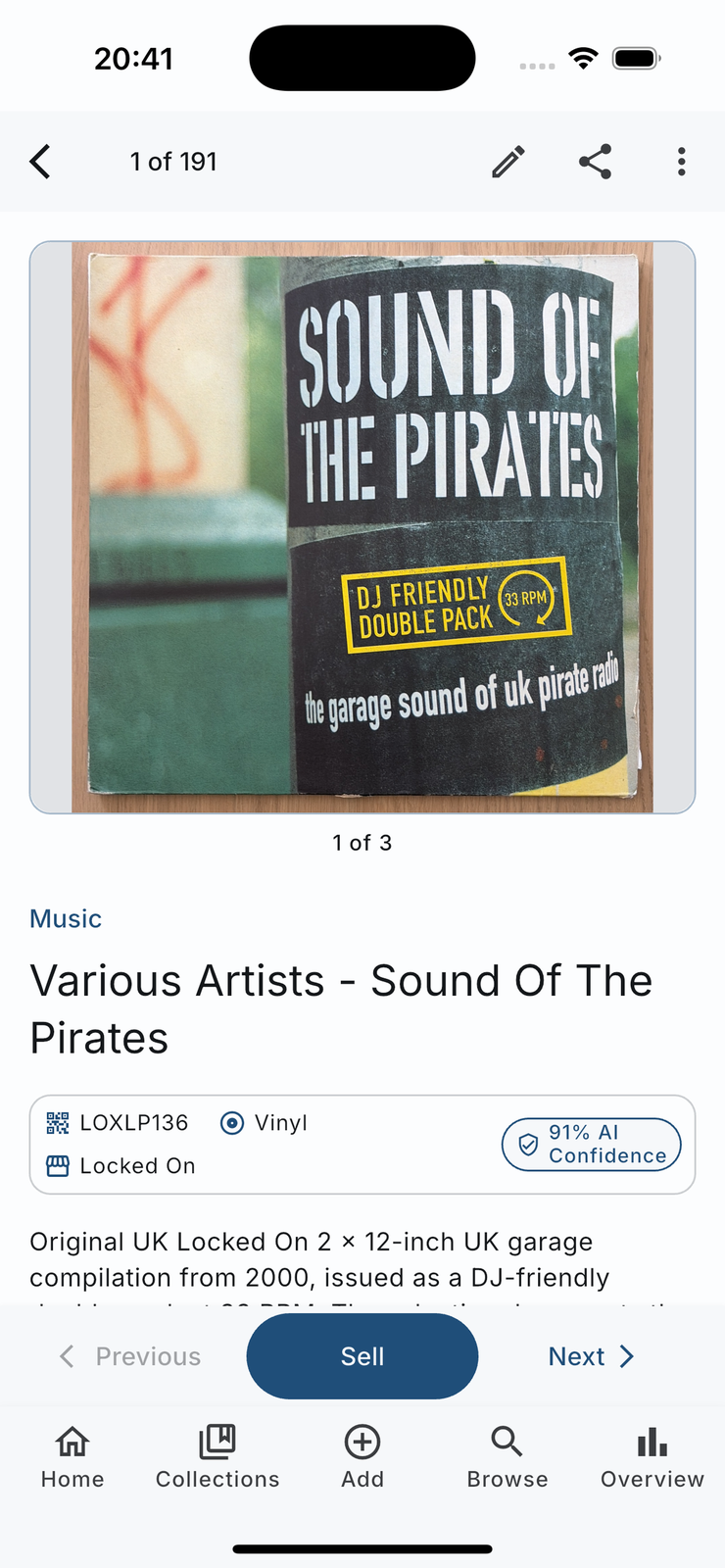
Why we connected marketplaces instead of building one
Nobody needs another place to sell things. Discogs, Reverb and eBay already have the buyers, the trust and the search traffic for exactly these items, and a new marketplace with three listings on it helps nobody.
What was actually in the way was the twenty minutes between deciding to sell something and having a listing. You photograph it again, you find the catalogue number again, you write the description again, and by the third item you stop. Every one of those steps is work samla.ai already did when you scanned the thing, so the app does them again on your behalf.
It also sits squarely on the point of the product. An item you no longer want is worth more in somebody else's house than in your cupboard, and shortening the path there is the most concrete version of that idea we can build.
How to publish a listing
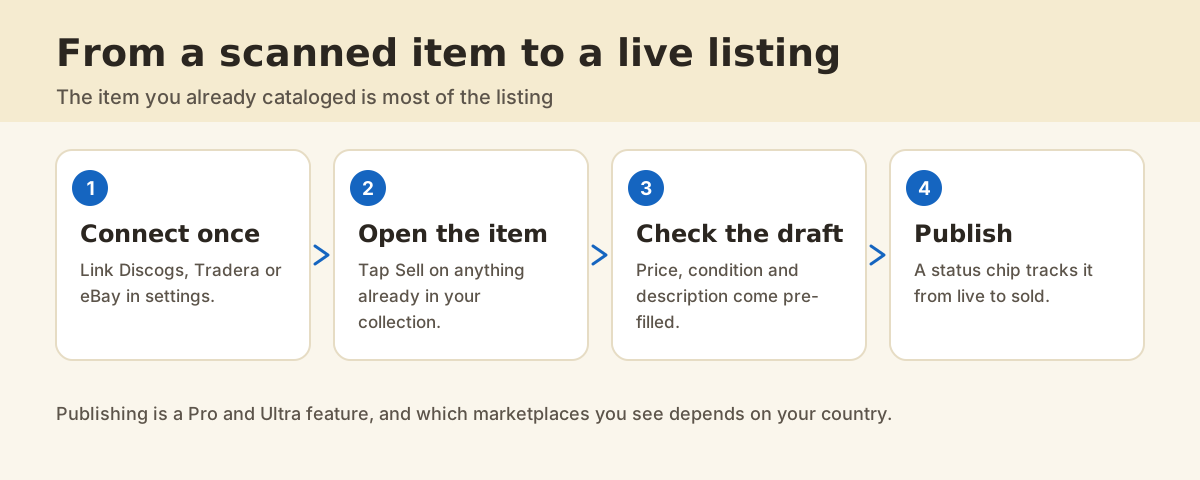
1. Connect the marketplace once
Connected marketplaces live in settings. You link the account once and the connection stays, so this is a first-time step rather than a per-listing one. Discogs covers music pressings, Reverb covers Musical Instruments & Gear, and eBay reaches further. Which marketplaces appear also depends on the item and your country.
2. Open the item and tap Sell
The Sell button is on the item screen, under the photos. It opens the sell sheet, which is where the marketplaces you have connected are offered.
3. Check the draft before it goes
Price, condition and description arrive filled in and every one of them is editable. Read the price carefully: what a buyer will pay this week is a judgment only you can make. Condition is yours too, because the app has never held the record.
4. Publish, then watch the chip
Publishing hands the listing to the marketplace. A status chip appears on the item, and the same listing shows up in Selling Center. From there you can open it on the marketplace, end it while it is live, or retry it if publishing failed.
What is different about Discogs?
Records are published against the exact pressing in the Discogs database rather than as a free-text listing. That matters more than it sounds: buyers search by release, and a listing attached to the right pressing is a listing that shows up when somebody searches for that pressing.
What about Reverb?
Musical Instruments & Gear publishes to Reverb from the same catalogue. You keep the draft you already have in samla.ai, set the price, and list without rebuilding the item in another app.
What does it cost?
samla.ai drafts the listing from what it already knows about the item. The marketplace charges whatever it charges for the sale. Cataloging and Look up mode stay available so you can keep adding and checking items as you go.
FAQ
Do I need a marketplace account?
Yes. samla.ai publishes to your own Discogs, Reverb or eBay account, so the sale, the money and the buyer relationship are yours and happen there.
Can I publish the same item to more than one marketplace?
Yes, and Selling Center shows one row per listing so you can see where each one stands. Remember to end the others when one sells.
What if publishing fails?
The listing shows a failed status with a retry action, and you can also delete it. Failures are usually a missing field the marketplace insists on, and the error says which.
Does samla.ai take a cut?
No. The marketplace charges whatever it charges, and samla.ai charges the subscription. Nothing sits in between.
Which items go to Reverb?
Musical Instruments & Gear. Other categories use the marketplaces that fit them, such as Discogs for records or eBay for a broader listing.