Why the room had to become a workspace
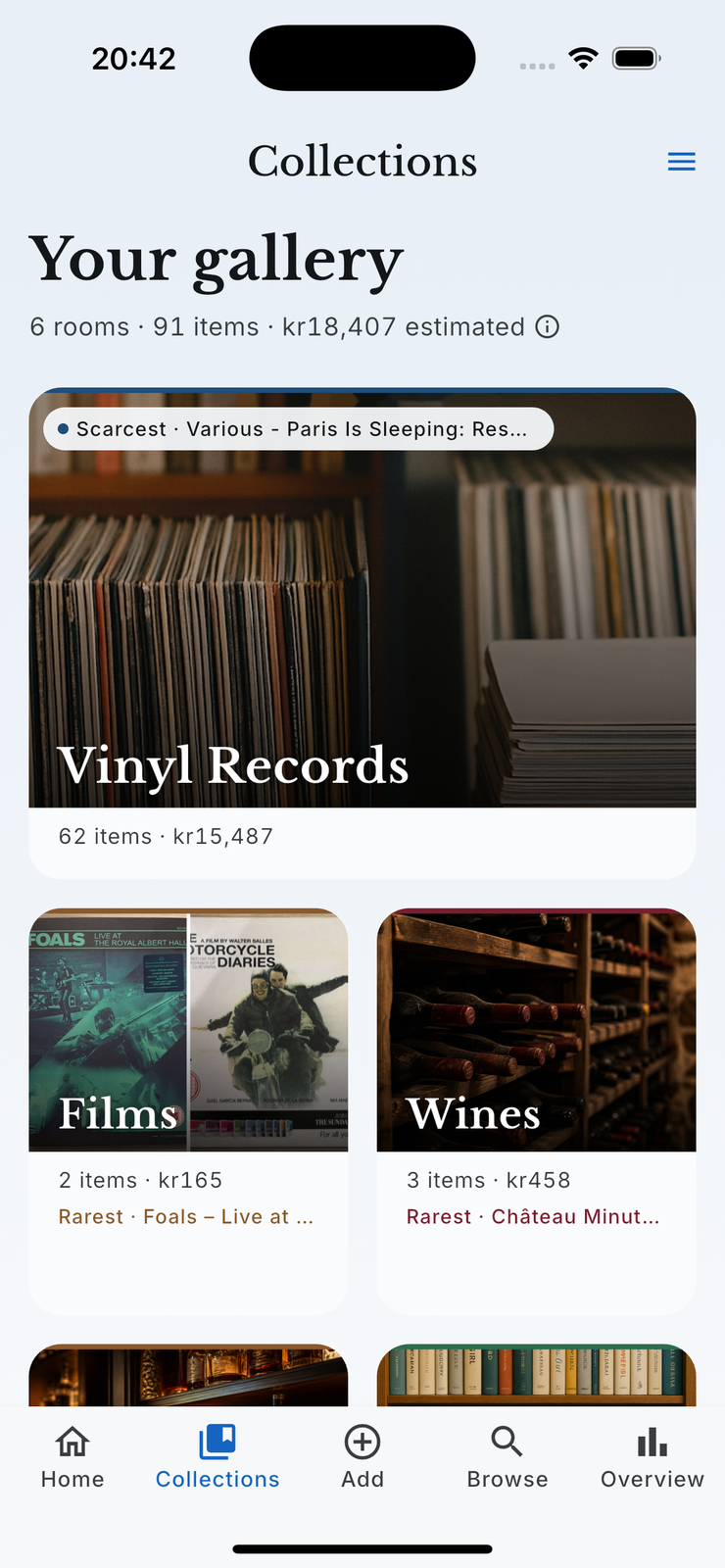
Collections started as short curated rooms: cover art, a name, the honours a collection had earned, and a scroll. That is lovely at forty items and useless at four hundred, and four hundred is roughly where a collection becomes the kind of thing somebody wants an app for.
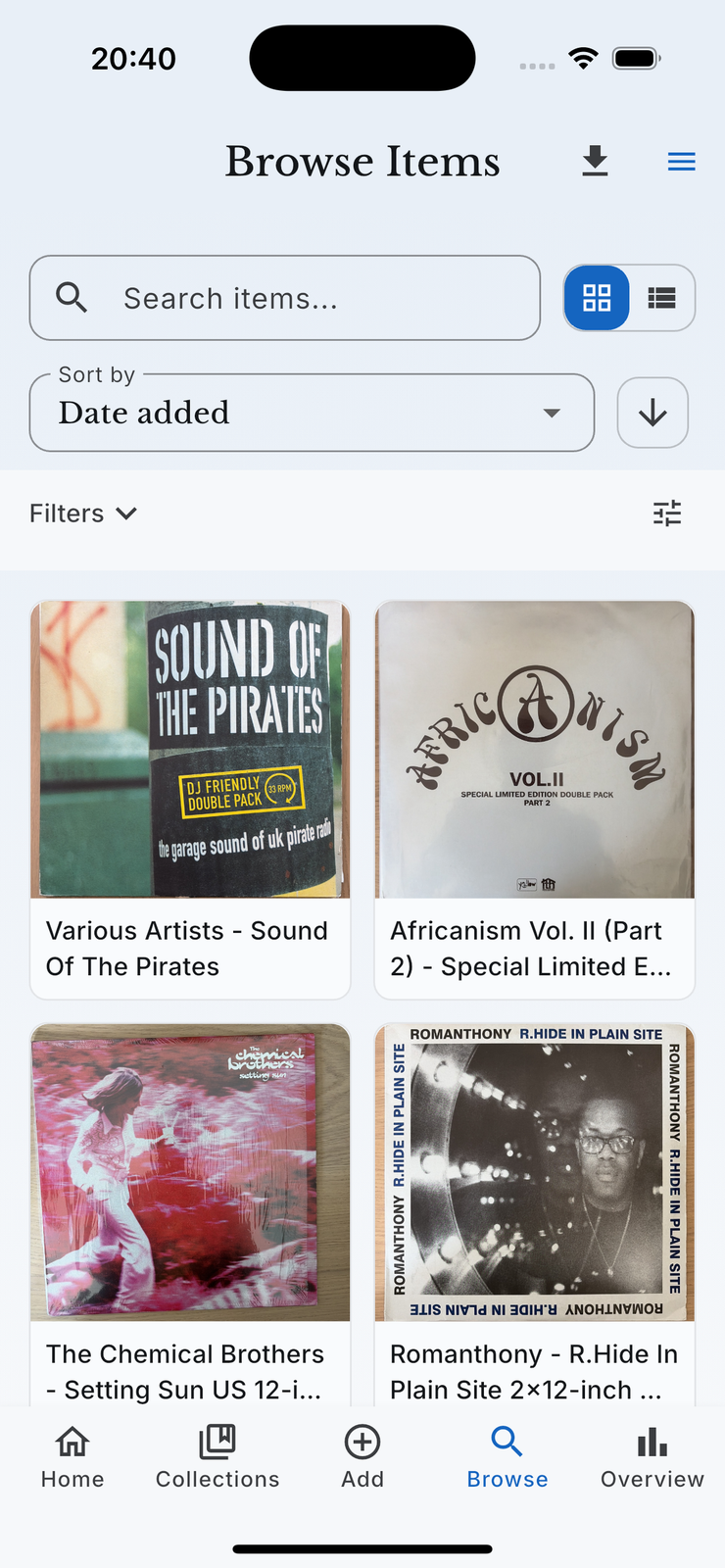
The fix was to give the room real exploration mechanics without turning Collections into a second, separately built version of Browse. So the search, filter and sort behaviour is shared with Browse wherever it means the same thing, and the room keeps what makes it a room: the cover, the honours, the collector language for that category.
What can you do inside a room?
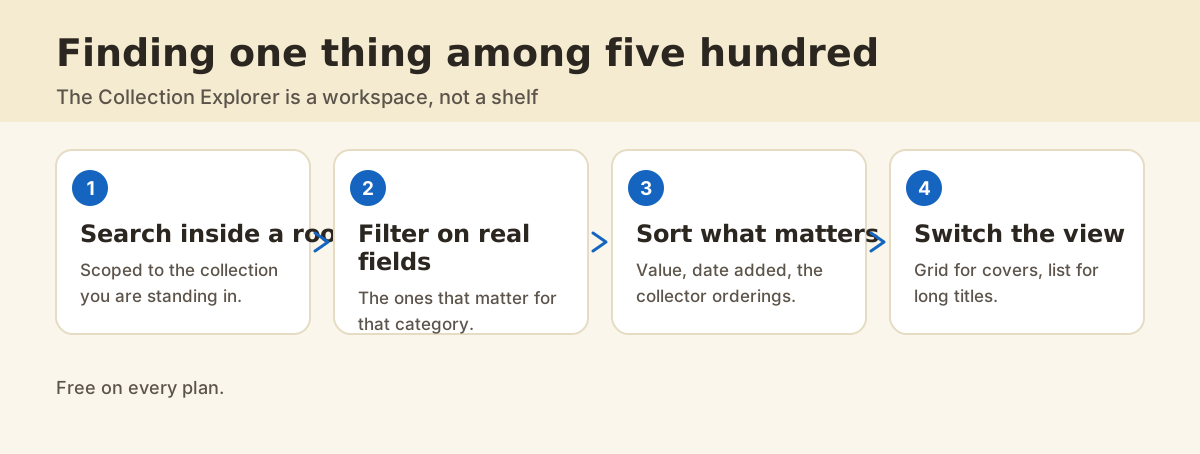
1. Search, scoped to the room you are in
The search box only looks inside this collection. That sounds small and it is the difference between finding the pressing you meant and finding every item you own with the word "blue" in it.
2. Filter on the fields that category has
A filter list assembled from what the category actually stores. This is where the first-class categories earn their keep: a handbag room can filter on things a generic item form never asked for.
3. Sort by what you are actually doing
Date added when you want to see what you have been up to, value when you are deciding what to insure or sell, and the orderings that make sense for the category the rest of the time.
4. Switch between grid and list
Grid is right when the cover is how you recognize the thing, which is most of Music, Films and Books. List is right when the titles are long and similar, which is also most of Music, Films and Books. Keep both and switch.
Browse or Collections?
| You want to | Use |
|---|---|
| Find something and you know its category | The collection room |
| Find something and you do not | Browse |
| Work through one category properly | The collection room |
| Filter by location across everything | Browse |
| Export a filtered slice | Browse |
What does it cost?
The Collection Explorer is free on every plan. The item limits differ by plan, so what changes with Pro and Ultra is how big the collection is allowed to get, not what you can do with it.
FAQ
Why do different rooms have different filters?
Because different things have different fields. A record has a pressing and a label, a bottle has a vintage, a pair of trainers has a style code. Offering every filter everywhere would mean offering mostly empty ones.
Does search look inside descriptions?
It searches the item text, which includes titles and the descriptive fields, so a half-remembered phrase from a description will usually find the item.
How many items can a room hold before it slows down?
The explorer was rebuilt specifically to stay usable at several hundred items in one room, which is where the old curated-shelf design gave up.
Can I see the value of one room?
Yes. The room summary shows the member count and, where it can be calculated safely, the estimated value of the collection. Those are estimates for informational purposes rather than professional appraisals.